soccerBoard7 puts the score, the match clock, added time and every goal, card and substitution on your stadium LED display, with sponsor, advertisement and TV graphics modes. It is the scoreboard software behind 500+ football clubs in 50+ countries.
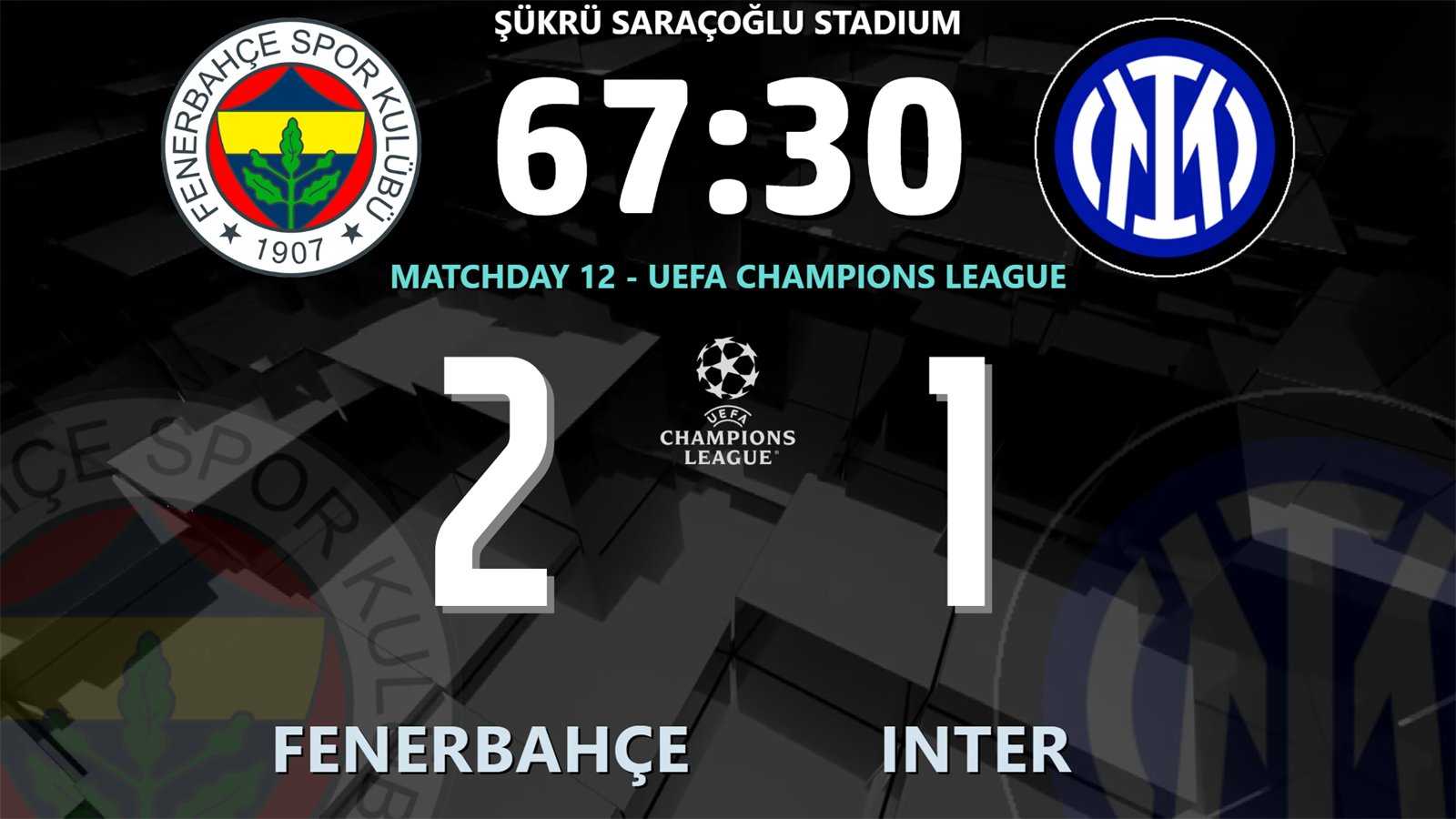
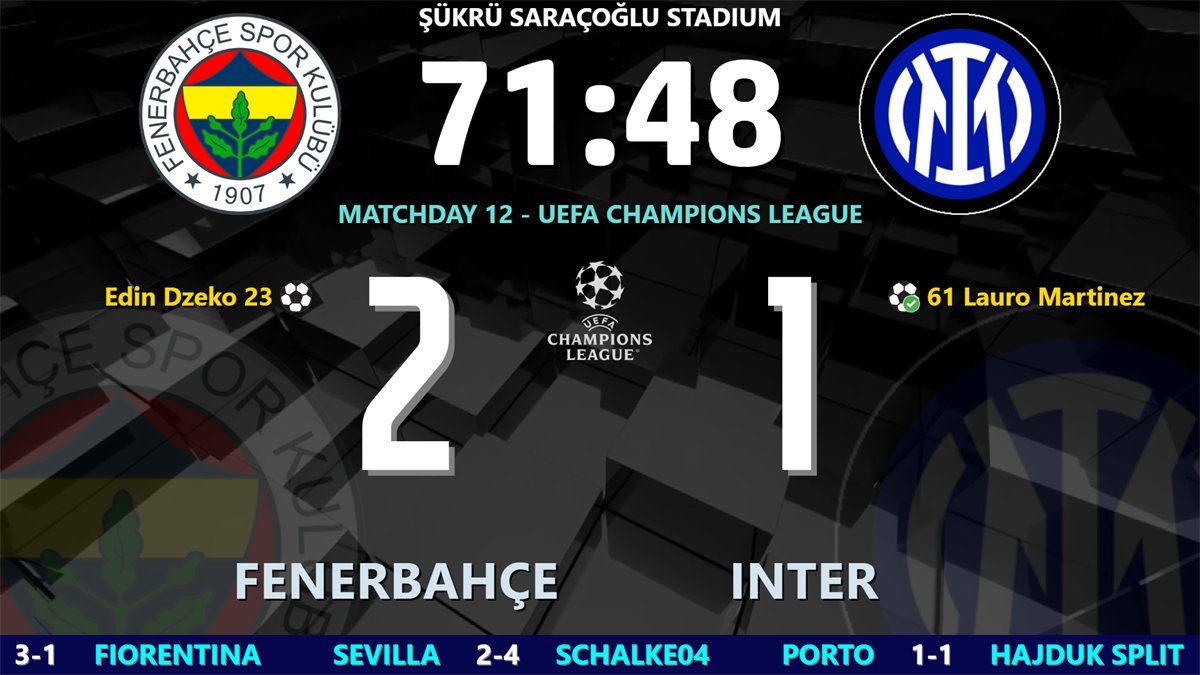
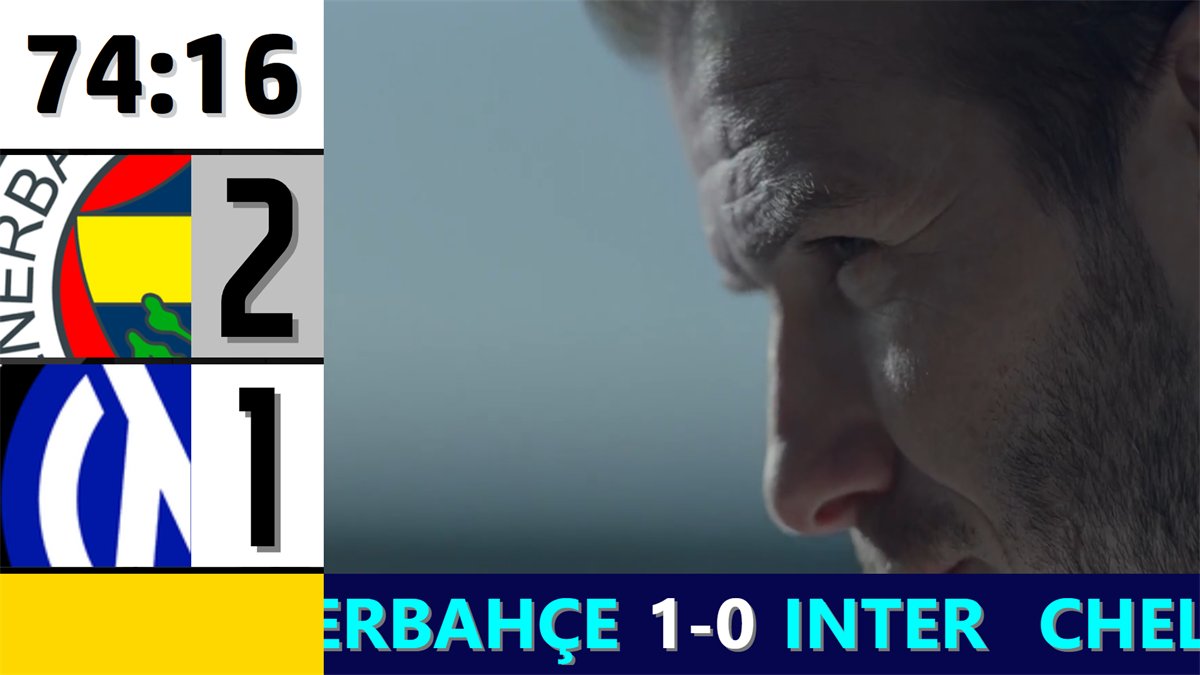
The Standard board in the second half: club and competition logos, match clock, score, team names and two text lines.
⏱️
Match clock and added time
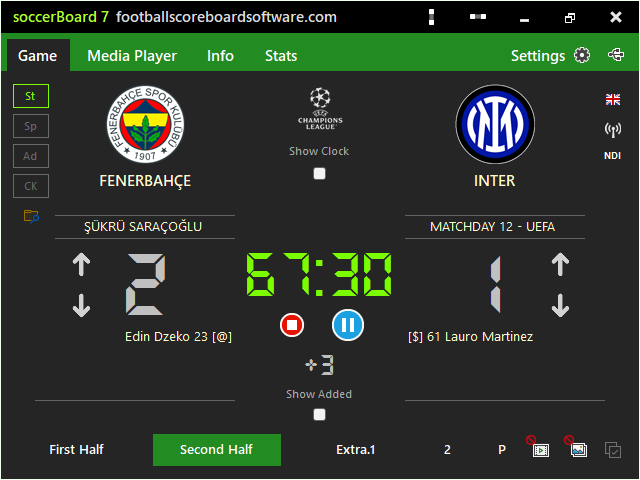
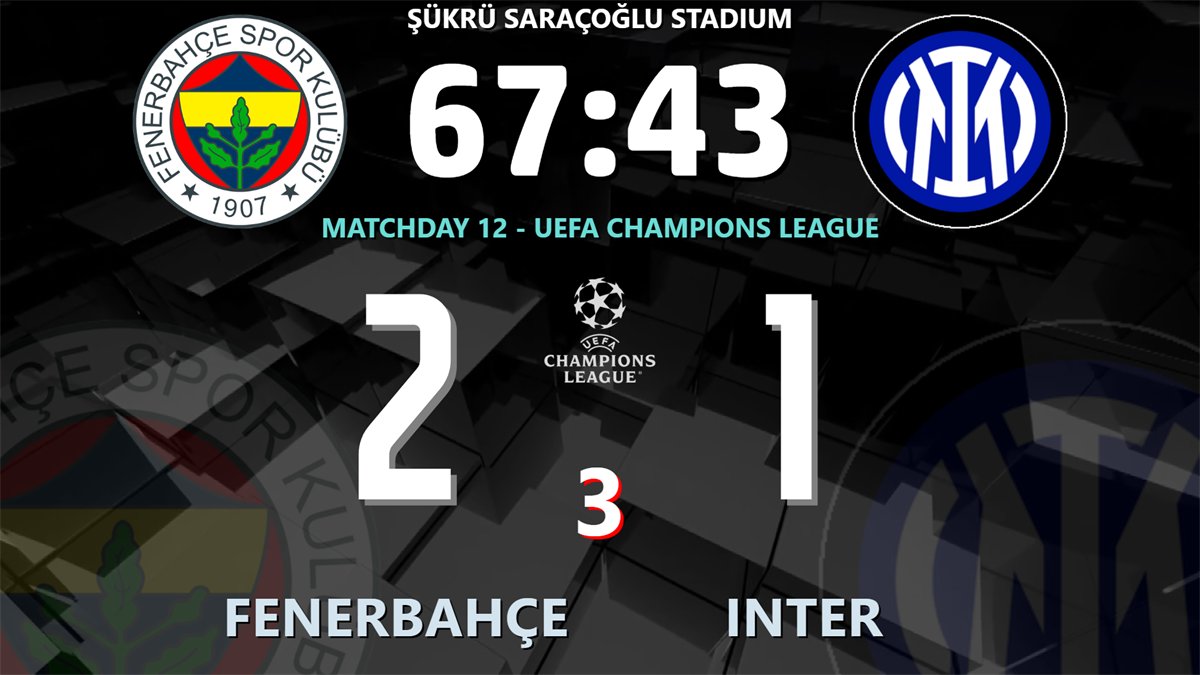
First half, second half, two extra periods and a penalty shoot-out. Type the added minutes, tick Show Added, and the board shows +3 next to the clock.
⚽
Goals, cards, substitutions
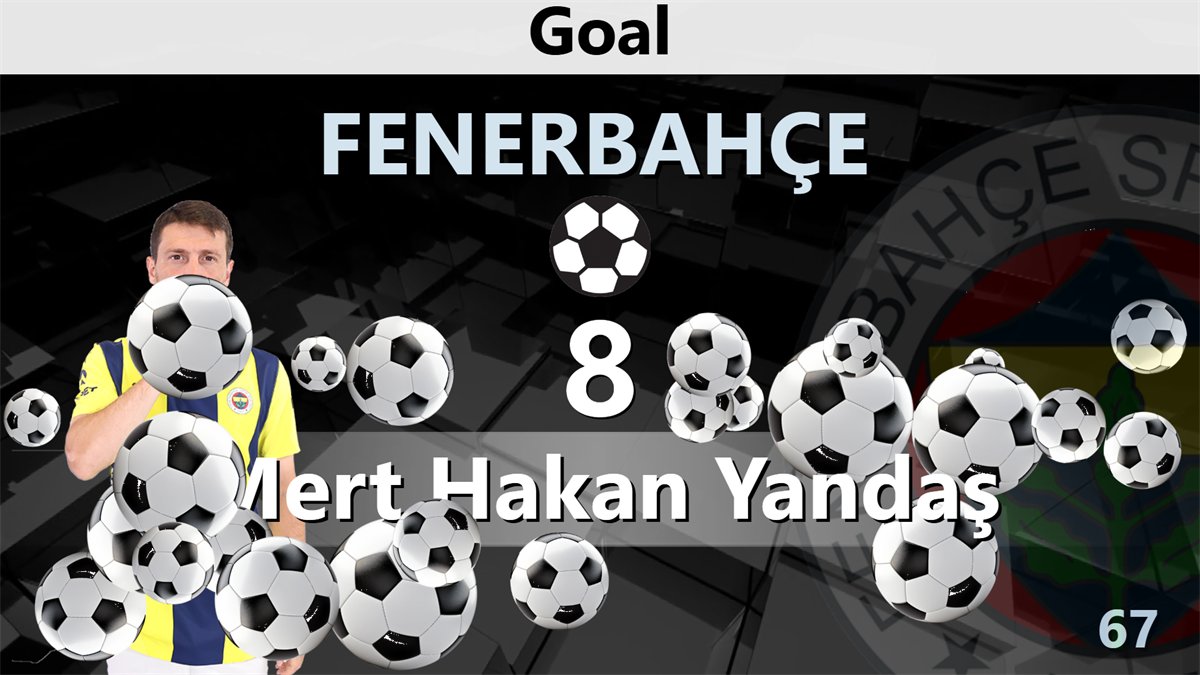
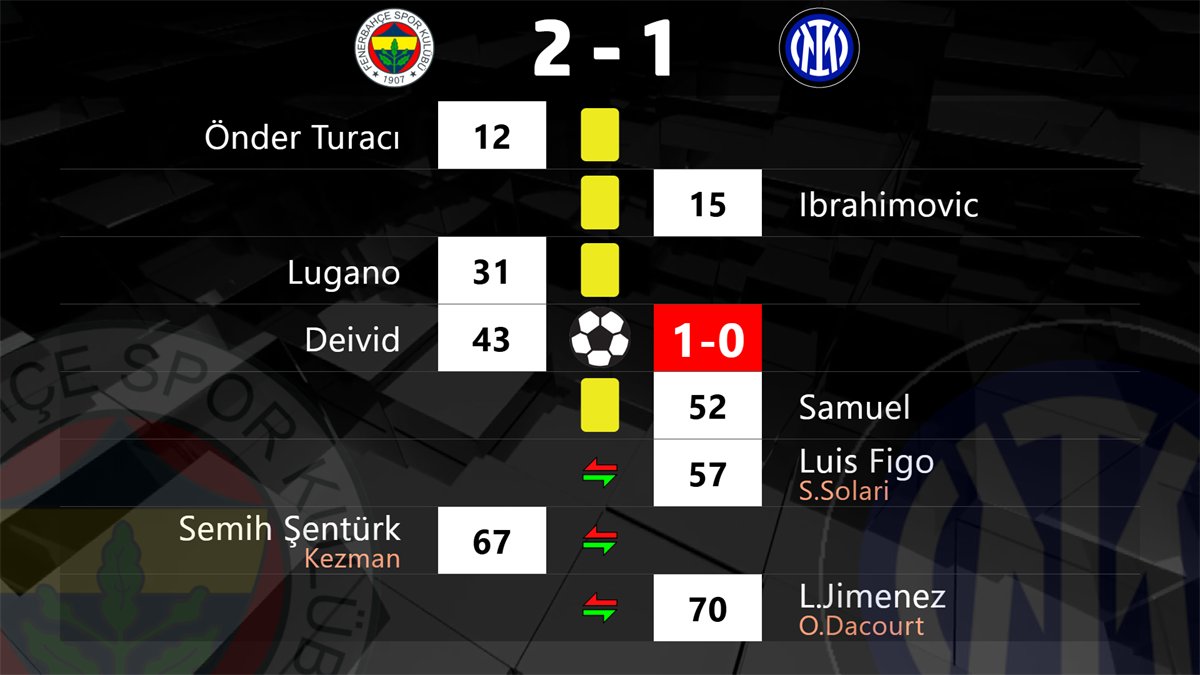
Goal, own goal and penalty, yellow, second yellow and red cards, single and multiple substitutions, with player pictures and an optional animation.
📺
VAR and line-ups
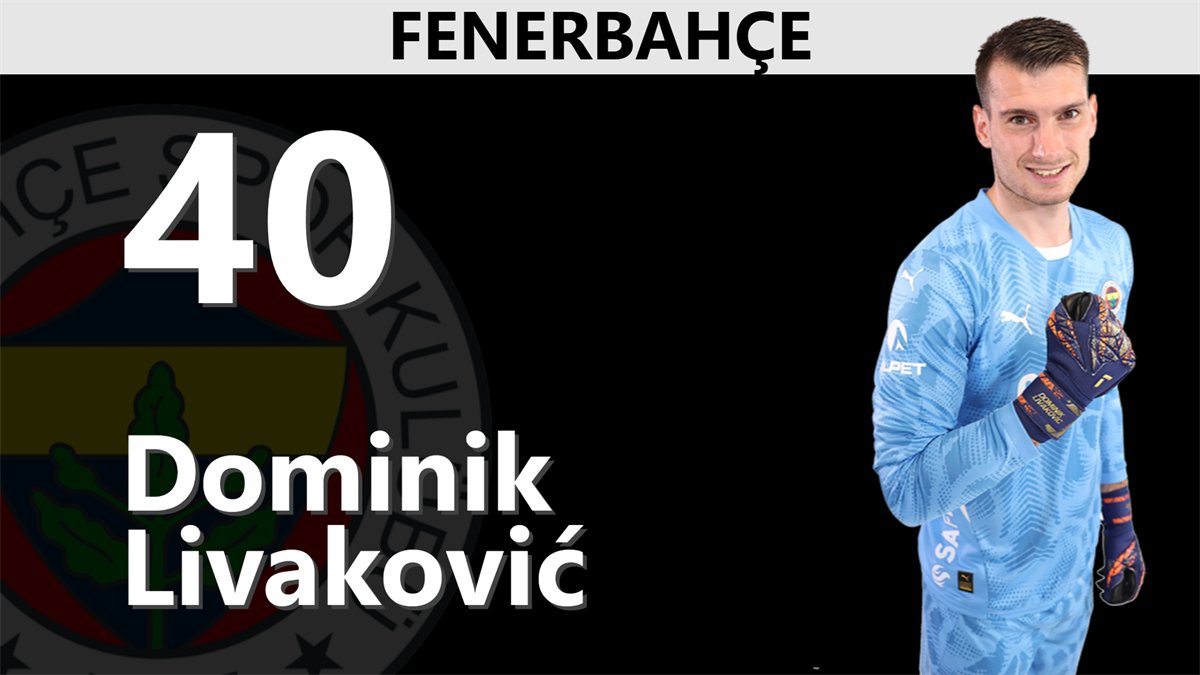
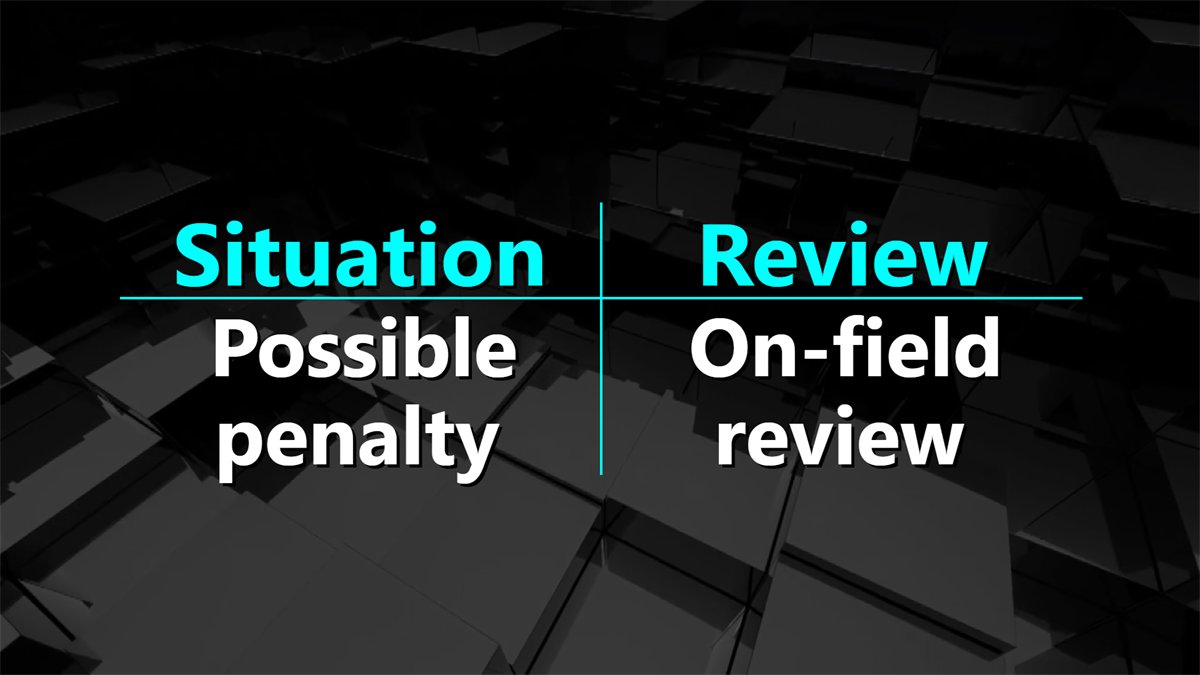
VAR review and decision graphics, line-ups as a list or team slide, referees, and a player picture player for the starting eleven.
📊
Statistics and league tables
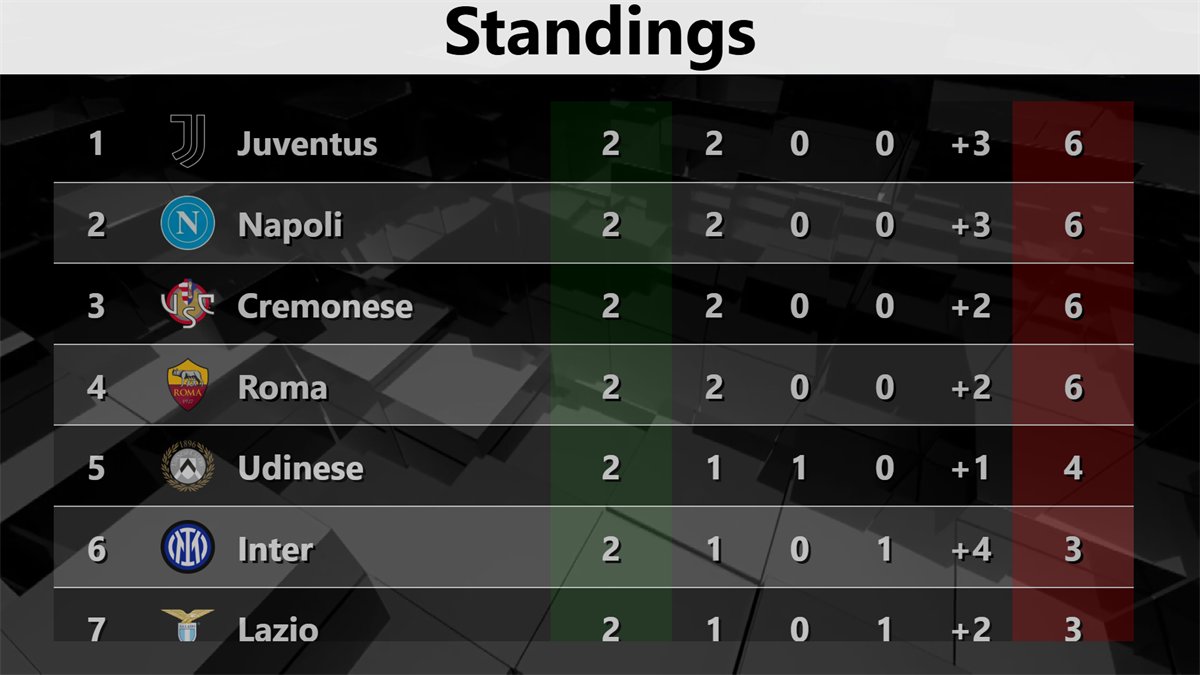
Match timeline, match statistics, standings, results and fixtures, with league data downloaded from the internet if you prefer.
🏆
UEFA Champions League experience
Used in UEFA Champions League, UEFA Europa League and FIFA World Cup qualification matches, built to FIFA and UEFA display standards.
📱
Free phone remote
Score, clock, goals, cards, statistics and playlists from any phone or tablet browser, protected by a PIN. An HTTP API is included.
Video tutorials
Learn soccerBoard7 step by step
18 short lessons show how to run a match and set up the board. Football operators can watch only the part they need. Each video has on-screen captions and no narration.
soccerBoard7 does one job: football. What changes between competitions is the clock, and the clock is fully adjustable, so the same licence runs a senior league match, a women’s fixture, a U17 cup tie and a veterans’ tournament.
Football Scoreboard Software
football scoreboard software
Two halves of 45 minutes, two extra periods of 15 minutes and a penalty shoot-out out of the box. The period buttons First Half, Second Half, Extra 1, Extra 2 and P select the period; the clock starts each one at its preset minute.
Youth Football Scoreboard Software
youth football scoreboard software
Shorter halves for U17, U15 and U13 are one setting: type the start minutes of the periods, for example 40;80;95;110 for 2 × 40, and the board counts the halves and extra time from there.
Women’s Football Scoreboard
women’s football scoreboard
The same full board for women’s leagues and cups: names, logos, kit colours, goals, cards, substitutions, line-ups with player pictures and the league table.
Added Time and Extra Time
added time display
Enter the added minutes for each half; when regular time is over the added-time counter continues by itself. Knockout ties go on to Extra 1 and Extra 2 without improvising at 90 minutes.
Penalty Shoot-Out Display
penalty shoot-out scoreboard
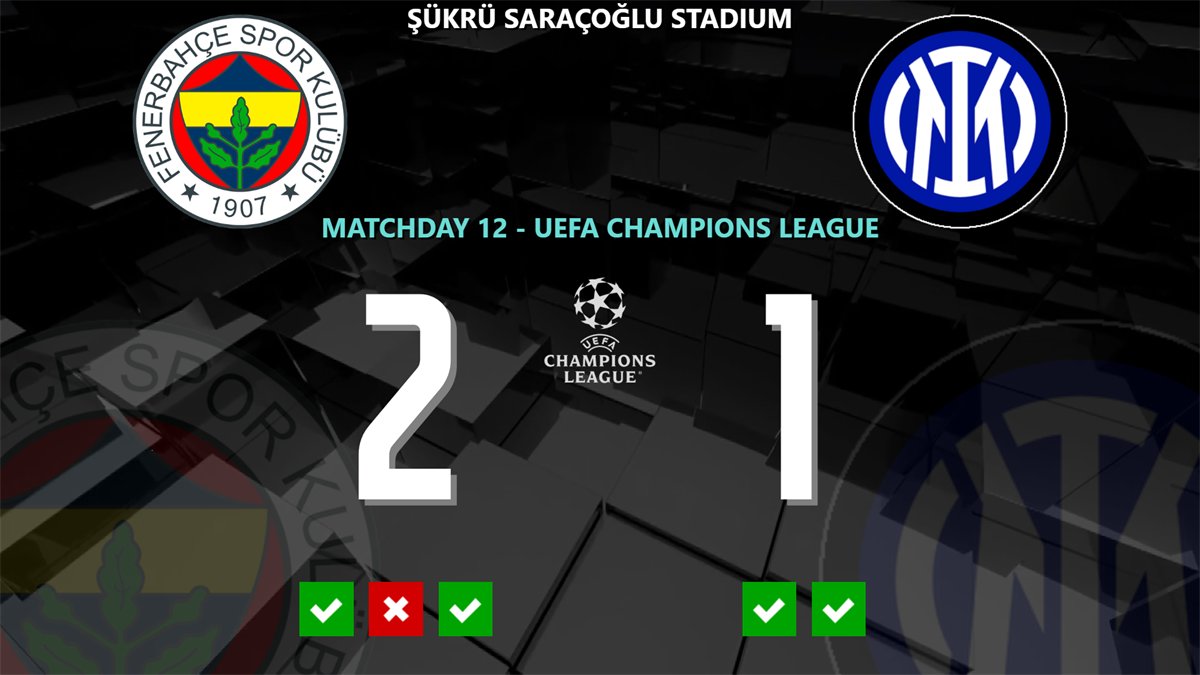
Select P and record each kick with a tick or a cross. The board shows the kicks under the scores of both teams, keeping the last five of each team in sudden death.
Veterans and Masters Football
veterans football scoreboard
Any half length works, from 2 × 30 to 2 × 45. A non-stop chronometer option keeps the clock running across periods where a tournament asks for it.
Typical period settings
Starting points, not limits. The value is the start minute of each period, separated by semicolons, entered under Settings, Screen Properties.
CategoryHalvesPeriod value
Senior football (men and women)2 × 45 min45;90;105;120
U19 / U182 × 45 min45;90;105;120
U17 / U162 × 40 min40;80;95;110
U15 / U142 × 35 min35;70;85;100
U13 and below2 × 30 min30;60;75;90
Veterans / masters2 × 35–40 min35;70;85;100
Extra time (knockout)2 × 15 min3rd and 4th value
One board, one sport, every competition. Because soccerBoard7 is built for football only, these settings never fight each other: you adjust the same match structure, not a different sport. Save a board design under the name of the competition and apply it from the design list before kick-off.
Control panel
One window for the whole match
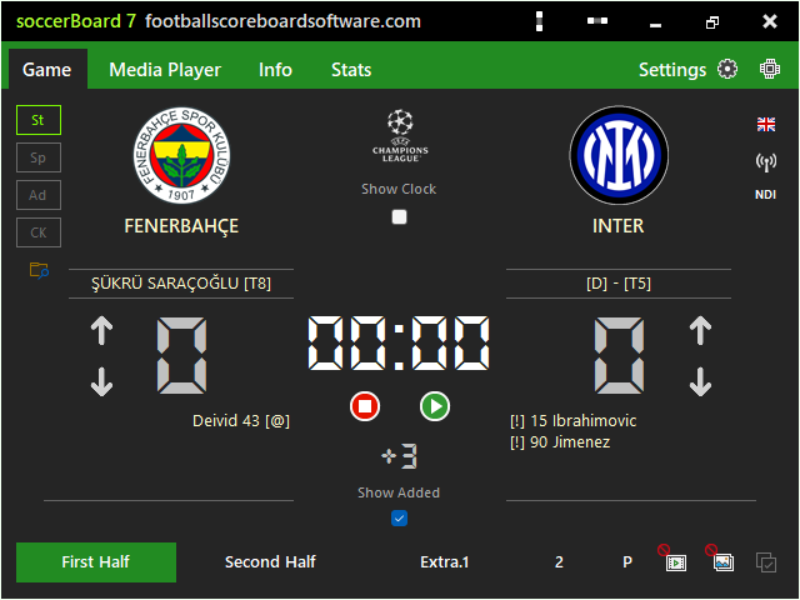
The Game page holds the clock, the periods, the score, added time, the events and the display mode. Everything you change is pushed to the board at once, and the window fits 640 × 480, so it also docks beside the board on a single laptop screen.
Clock, periods and added time
Start and pause the clock with one button; the first press of Stop pauses, the second resets the period. To set a time by hand, stop the clock and type mm:ss.
First Half, Second Half, Extra 1, Extra 2 and P for the shoot-out
Added time with Show Added; Show Clock puts the time of day on the board before kick-off
Two event lines per team with symbols for goal, own goal, penalty, missed penalty and cards
Two free text lines with date and time tokens, for the stadium and the matchday
Goals, cards and substitutions on air
Pick the team, the player from the squad and the minute (the current match minute is filled in), then Show. Show With Picture adds the player’s photo, and one click also writes the event into the timeline.
Goal, own goal and penalty, with an optional goal animation
Yellow, second yellow and red card; red cards counted on the board
Single or multiple substitutions in one graphic
Background per graphic: the scoreboard, black, your own image or a video clip
Board design editor
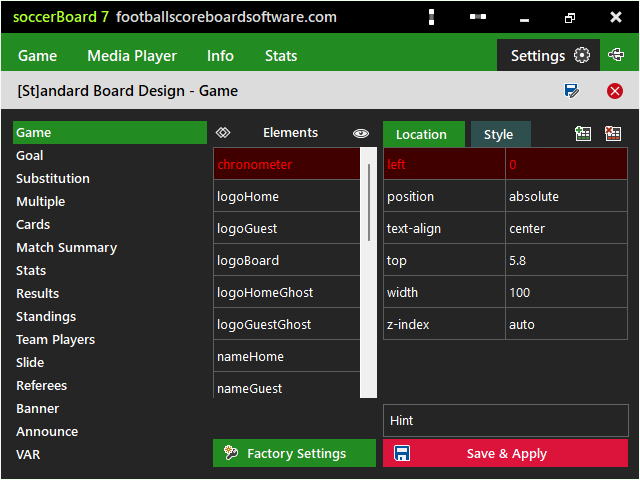
Change the look of the scoreboard and every info graphic without touching a file. Select the graphic, pick an element such as the chronometer or a team logo, and edit its position and style; the board updates at once.
Game, goal, substitution, cards, match summary, stats, results, standings, team players, slide, referees, banner, announce and VAR
Hide or show any element, with colour and font pickers
Save Design As stores a named design; Factory Settings restores the original
Four display modes
The St, Sp, Ad and CK buttons switch the board at once, each mode with its own look and control page.
Standard: the full-screen scoreboard
Sponsored: a strip of sponsor images or scrolling text, at the top or bottom
Advertisement: scoreboard box, two banners and a large area for video, a camera or a screen capture
Chroma Key: a compact scorebug and info graphics on a key colour for TV
Screens and layouts
Scoreboard, info graphics, statistics and advertising
Every graphic fills the board on the stadium screen and works in the Sponsored mode too. The Chroma Key mode has its own compact versions for TV.
In the stadiumThe board on a stadium LED display at full time, with the goal scorers and the added-time counter.Added timeThree minutes entered on the control panel and shown on the board; the counter continues after regular time.Penalty shoot-outEvery kick as a tick or a cross under the score of each team.Line-up slideThe starting eleven player by player with number, name and photo, or as a list.Match timelineGoals, cards and substitutions with the minute and the player, home on the left and guest on the right.League standingsThe table with club logos and the columns you choose; results and fixtures use the same layout.Advertisement modeA scoreboard box beside a video playlist, a camera or a screen capture, with a scrolling banner.VAR reviewSituation and review on the board, followed by the decision with its own graphic.
More screens. Lower-third banner with three rows, full-screen announcements in six styles, match statistics, referees, a player picture player, a media player with six playlists and web videos, and a sponsor list shared by every mode.
Version history
soccerBoard from the first version to soccerBoard 7
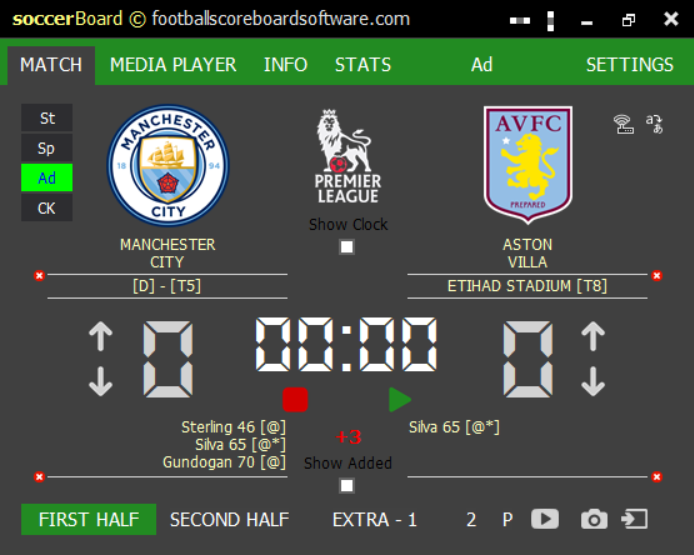
The control window of each version, from the first Futbol Skorbord made for Skorled stadium screens to today's soccerBoard 7. Every version kept what operators already knew and added what they asked for.
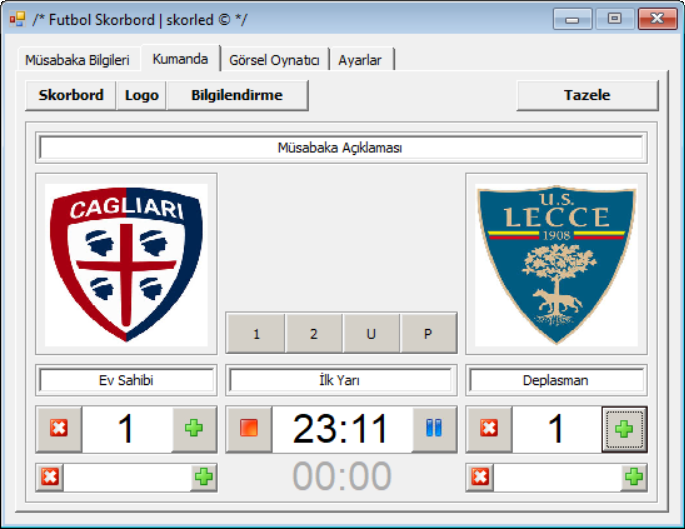
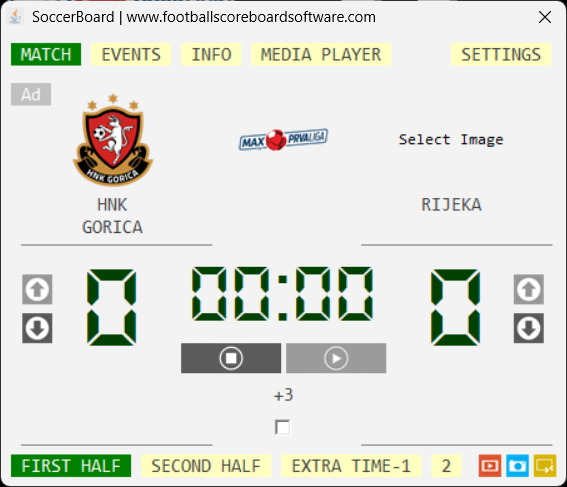
SB1 · ControlFutbol Skorbord, in Turkish: club logos, score, match clock and the buttons for the halves, extra time and penalties.
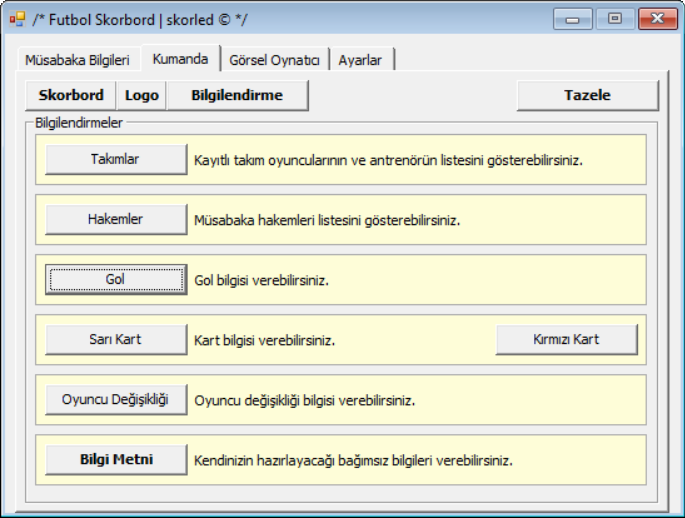
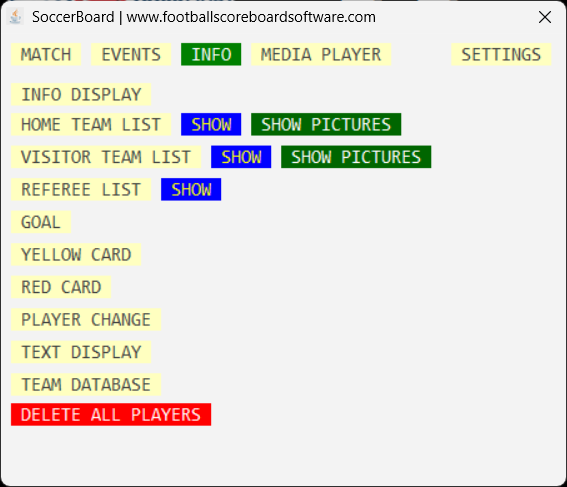
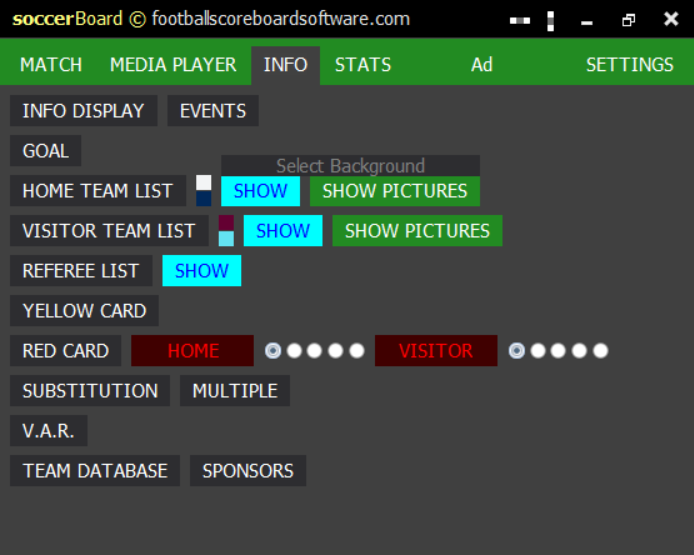
SB1 · InformationTeam lists, referees, goal, yellow and red card, substitution and a free information text.
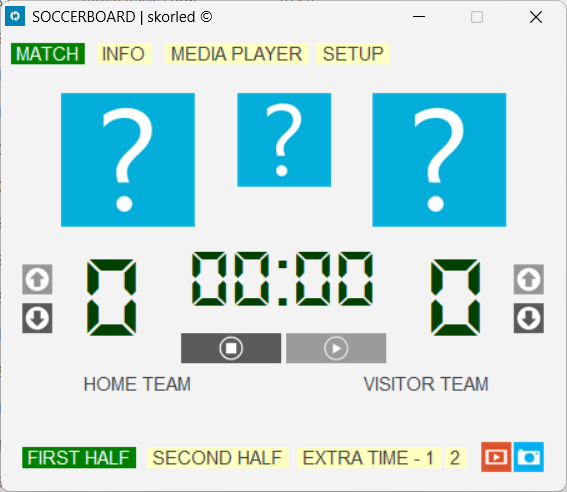
SB2 · MatchSoccerBoard in English, with LED style digits, one-click score arrows and a Media Player page.
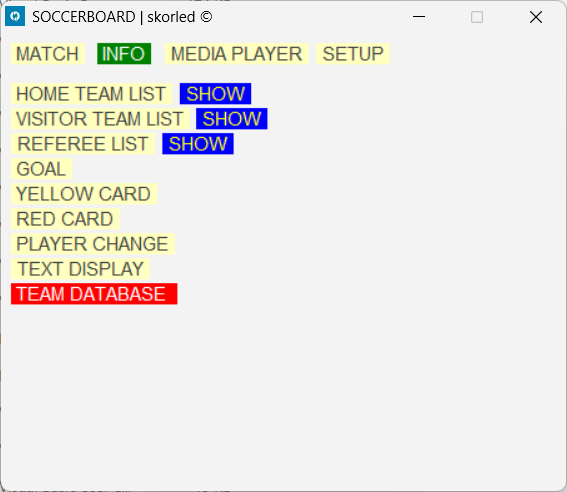
SB2 · InfoHome, visitor and referee lists, goal, cards, player change, text display and a team database.
SB4 · MatchClub and competition logos, added time, an Events page and the first advertisement mode.
SB4 · InfoTeam lists with player pictures and a separate info display.
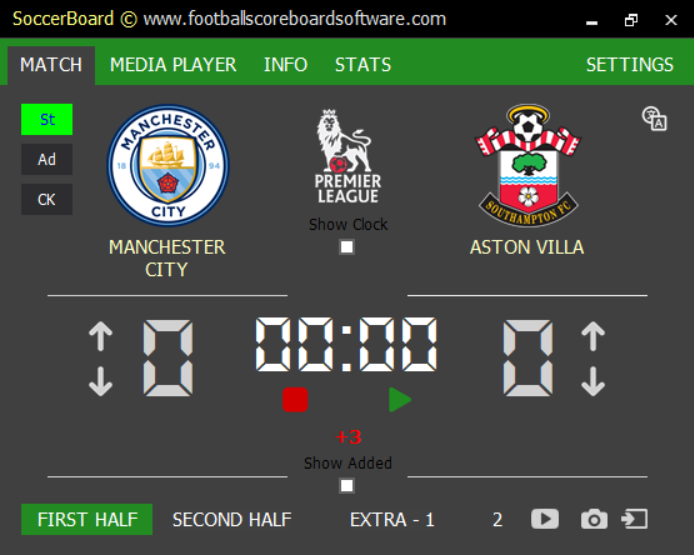
SB5 · MatchThe dark control window: Standard, Advertisement and Chroma Key modes, a Stats page and the time of day on the board.
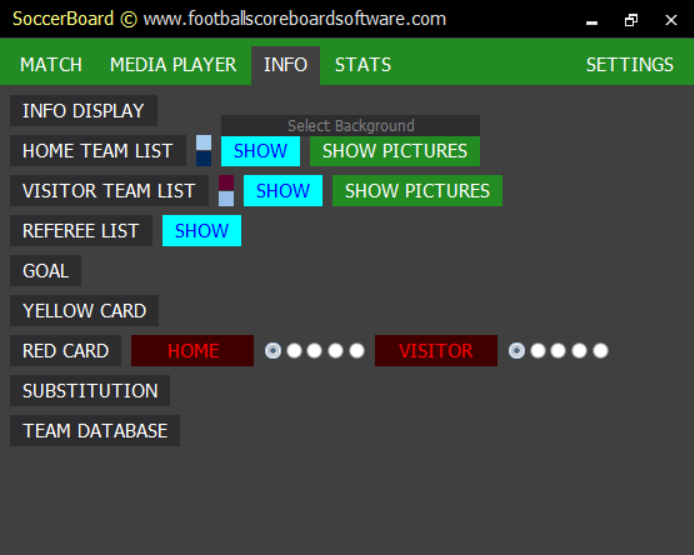
SB5 · InfoA background for each graphic, kit colours for the team lists and red card counters for both teams.
SB6 · MatchThe Sponsored mode makes four, with goal scorers and two text lines on the panel and the penalty shoot-out.
SB6 · InfoEvents, multiple substitutions, VAR and the sponsor list.
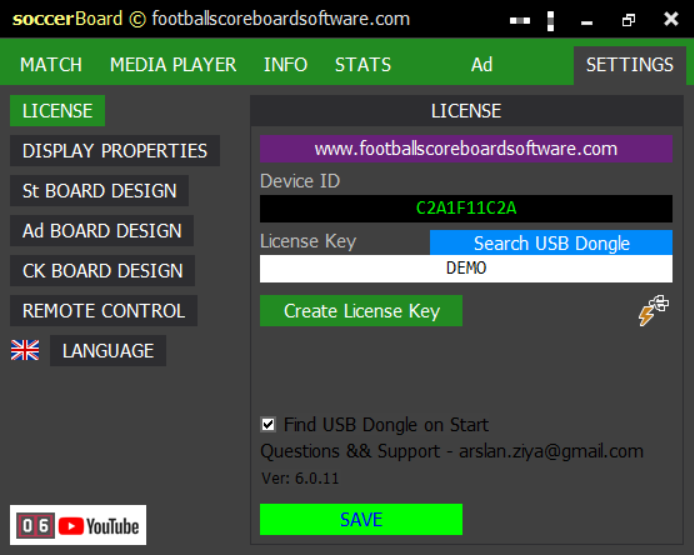
SB6 · SettingsA board design for each mode, the remote control, the language list and the USB dongle.
SB7 · GameToday's control panel: the same match layout, with NDI output, the phone remote and the board design editor one click away.
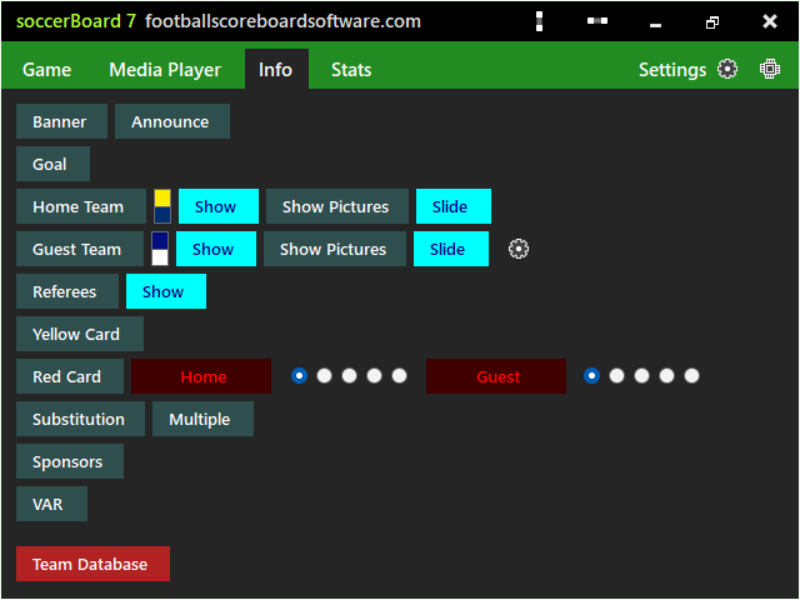
SB7 · InfoBanner and announcements, team lists as a slide, cards, substitutions, sponsors and VAR.
1 / 13
Outputs and integration
LED wall, broadcast and your own software
The board window goes to a second monitor, a projector or an LED wall controller. The same picture can leave the PC as an NDI stream, be keyed over a live picture, or be driven by other software over the network. Every channel is included in every licence.
Video out · soccerBoard7 to the stream
NDI output for OBS, vMix and vision mixers
The NDI button on the match panel sends the board over the network as an NDI video stream. Streaming software, vision mixers and NDI monitors see it under the sender name SB7_NDI. A board larger than the operator screen is still sent in full size.
Board position and size set in pixels under Screen Properties, up to the licence width
Vertical and horizontal dock for a single-screen laptop next to the mixer
Camera, capture card or NDI input shown in the Advertisement media area
Overlay · Chroma Key mode
Scorebug and lower thirds for live TV
The Chroma Key mode shows a compact scorebug with clock, logos, team colours, names and score, and keyed versions of the goal, card, substitution, VAR, timeline and penalty shoot-out graphics.
Key colour transparent, green, blue or magenta, with its RGBA values for the keyer
Each graphic has its own Show and Hide button
Media player, camera and screen capture can fill the area behind the graphics
ChannelWhere and directionTypical use
Board windowSecond display, outStadium LED wall, projector or monitor at the configured position and size
NDI streamSB7_NDI, outVision mixer, OBS, vMix or NDI monitor on the network
Phone remotePort 1907, inOfficials run clock, score, events and media from phones and tablets
HTTP APIPort 1907, in + outScripts, stream decks and scoring systems; state as XML with cmd=GET
League dataInternet, inStandings, results and fixtures downloaded and previewed before use
HTTP API
Drive the board from any program
Any device on the venue network can control soccerBoard7 with plain HTTP requests to one address. The phone remote uses the same commands, so anything an official can do on a phone, your own software can do too.
HTTP GETPort 1907PIN protectedXML statePoll every 600 ms
What a request can do
Set team names, the two text lines and the score, or count it up and down
Start, pause, stop and set the clock, select the period and set added time
Show goal, card and substitution graphics, with picture and timeline flags
Show the timeline, statistics, standings, results or fixtures, and edit a statistics row
Switch the display mode and start a scoreboard or advertisement playlist
Read the whole state as XML with cmd=GET
Replies: a reply starting with ! confirms the command, one starting with # is an error such as #Invalid PIN. Only one controller should drive the clock at a time.
http · 127.0.0.1 : 1907 / api.html
# team name, second line after _?pin=123456&cmd=set_home_team&value=CITY_FC$# clock to 90:00 with 3 minutes added?pin=123456&cmd=set_chronometer&value=!90!3$# goal, home #9, current minute, animated, to timeline?pin=123456&cmd=info_goal&value=home%7Cgoal%7C9%7C%7C%7C1%7C0%7C1$# show the league table?pin=123456&cmd=stats_show&value=standings$# wrong PIN?pin=000000&cmd=GET$#Invalid PIN
Free mobile remote control
Run the board from your phone
soccerBoard7 includes a free web-based remote control. Scan the QR code on the Remote Control settings page or type the address in any phone or tablet browser on the venue network, with nothing to install. A PIN gate locks access until the operator’s PIN is entered. Because the remote accepts several connections at once, the match can be run by more than one official at the same time: one on the clock, one on the score, one on the events, each on their own device.
No one connects without the PIN, which you set and change inside soccerBoard7.
Home
Clock, view and added time
St, Sp and Ad view buttons, Start, Pause and Stop, added time and Show Added, then the score.
Info
Goals, cards, substitutions
Pick the event, the team, the goal type and the player number; animation, picture and timeline in one tap.
Stats
Statistics and tables
Show the timeline, stats, table, results or fixtures, and update possession and shots live.
Media
Playlists
Type a playlist number and start it on the scoreboard or on the advertisement screen, then go back to the scoreboard.
Built for the officials’ table. The remote is a web page served by soccerBoard7 itself: no app store, no account and no internet connection required. Any device on the same network opens it, enters the PIN and starts working.
Try soccerBoard7 free
The full program with every feature. The board shows only a small watermark until you add a licence.
soccerBoard7 is LED scoreboard and match-graphics software for football venues. It runs on Windows 10 and 11 and drives a second monitor, a projector or an LED wall, or sends the board over the network as an NDI stream. It shows the score, the clock, goals, cards, substitutions, VAR decisions, line-ups, statistics, league tables, sponsors and video, and it is sold as a lifetime licence.
Can soccerBoard7 be adjusted for women’s, U17 or other categories?
Yes. The start minutes of the periods are one setting under Settings, Screen Properties: 45;90;105;120 by default, which means two halves of 45 minutes and two extra periods of 15 minutes. Type 40;80;95;110 for U17, 35;70;85;100 for U15 or 30;60;75;90 for U13. Added time is entered for each half, and board designs can be saved under a name and applied from the design list before kick-off.
Has soccerBoard7 been used in FIFA or UEFA matches?
Yes. soccerBoard7 has been used in UEFA Champions League and UEFA Europa League matches as well as FIFA World Cup qualification matches, and the display layouts are built to FIFA and UEFA standards.
Which display modes does soccerBoard7 have?
Four. Standard is the full-screen scoreboard. Sponsored adds a strip of sponsor images or scrolling text at the top or bottom. Advertisement shows a small scoreboard box, up to two banners and a large area for a video playlist, a camera, an NDI source or a screen capture. Chroma Key shows a compact scorebug and the info graphics on green, blue, magenta or a transparent background for a vision mixer.
Can I send the football scoreboard to OBS, vMix or a vision mixer?
Yes. The NDI button sends the board as an NDI video stream (sender name SB7_NDI by default) that vision mixers, OBS, vMix and NDI monitors receive over the network. For an overlay, switch to the Chroma Key mode and key out the green, blue or magenta background in the mixer.
Does soccerBoard7 show VAR decisions, line-ups and league tables?
Yes. The Info page has a VAR review and decision graphic, goal, card and substitution graphics with player pictures, the line-up as a list or as a team slide, the referees and a player picture player. The Stats page shows the match timeline, match statistics, standings, results and fixtures, and can download standings, results and fixtures for a league from the internet.
Can I control soccerBoard7 from a phone?
Yes. soccerBoard7 includes a free web-based remote control. Scan the QR code on the Remote Control settings page and open the page in any phone or tablet browser on the venue network, with nothing to install. Access is protected by a PIN you set inside the software, and several devices can connect at once so different officials can each run one task.
Can other software control soccerBoard7?
Yes. The same built-in server accepts plain HTTP requests on port 1907. A script, a stream deck or a scoring system can set team names, the score, the clock, the period and added time, show goal, card and substitution graphics, update match statistics, start playlists and read the full state as XML with cmd=GET.
How much does soccerBoard7 cost?
soccerBoard7 costs $500 USD for output up to 800 px wide, $1,000 up to 1366 px wide, $1,500 up to 1920 px wide and $2,000 up to 3840 px wide (4K). Every licence is a lifetime licence with two years of free updates, a PC key and a USB dongle included. Buying several boards for one venue reduces the price significantly.
Is there a free demo of soccerBoard7?
Yes. The demo includes every feature with only a small visual watermark on the output, so you can test soccerBoard7 on your own LED display before buying. Download it from the Downloads page.
Licensing
Lifetime licence, no annual fees
One payment: $500 up to 800 px wide, $1,000 up to 1366 px wide, $1,500 up to 1920 px wide, $2,000 up to 3840 px wide. Two years of free updates, a PC licence key and a USB dongle are included, every integration channel is part of every licence, and several boards for one venue cost less.
soccerBoard7 is made for football. If your stadium also hosts rugby, American football, Gaelic games, field hockey or lacrosse, fieldBoard7 runs football and these sports in one program. Each multisport product comes in Lite (from $500) and Pro (from $1,000); Pro also reads scoreboard consoles and timing systems. All multisport products.
Run the perimeter LED panels of any sport from one panel.
Modern, web-based LED perimeter player and playlist manager for the advertising panels around football and every other sport. Uploaded media auto-fits the panel; goals, scores, time-outs, cards and other quick actions cut in with a single click and return. A browser is enough — easy to install, even easier to run.