Football
soccerBoard7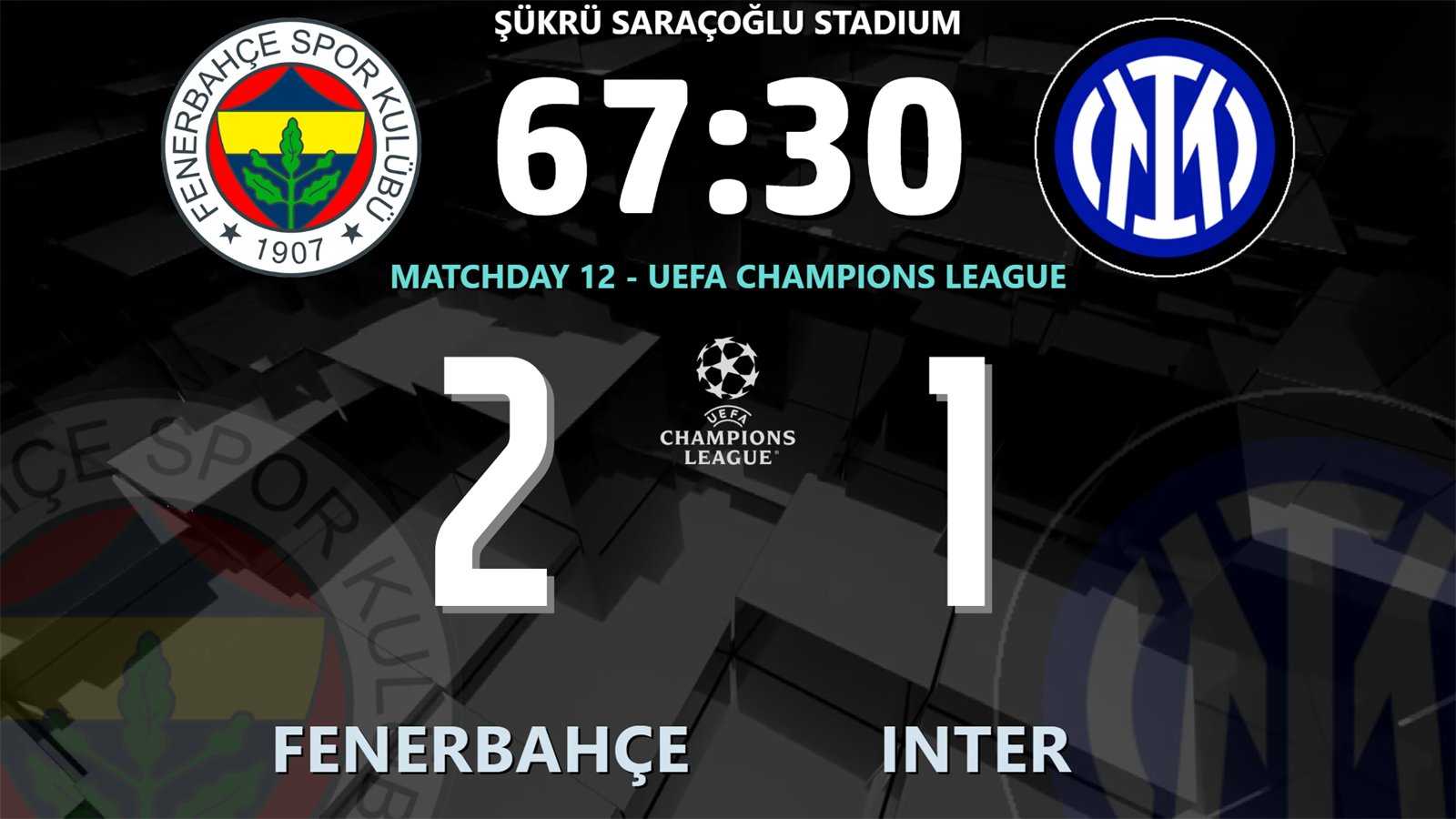
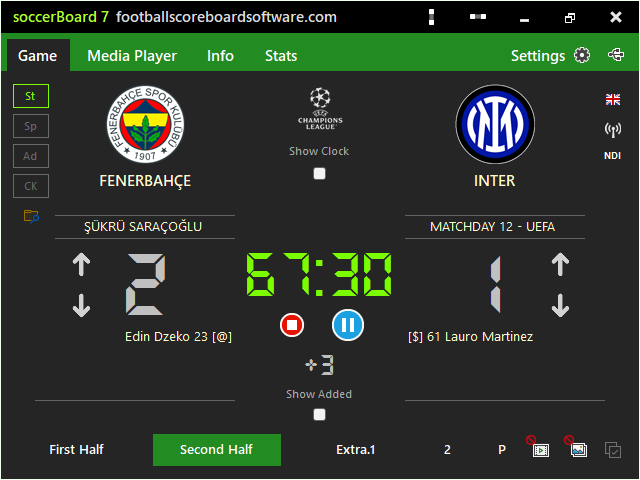
Halves, extra time and added time, goals, cards, VAR and line-ups. More about soccerBoard7 ›
scoreBoard7 is a family of LED scoreboard programs for Windows, made and supported by Ziya ARSLAN, Ankara, TÜRKİYE. It started in 2018 with soccerBoard7 for football stadiums; today thirteen boards cover 49 sports and run in 500+ clubs and venues in 50+ countries.
scoreBoard7 was born at Skorled. Since 2001, Skorled has built professional scoreboards, timing systems and LED displays in Ankara: basketball scoreboards and shot clocks, stadium videoboards, swimming and athletics timing. The software for these products is written by Ziya ARSLAN.
At the 2010 FIBA World Championship in Türkiye, Skorled's FIBA-approved basketball scoreboards ran on this software, game after game, in front of a world audience.
Every installation taught us something: federation rules, operator requests, matches that cannot stop for a software problem. In 2018 this experience became soccerBoard7, scoreboard software that runs on any LED screen. More sports followed, and today the scoreBoard7 family has thirteen boards for 49 sports, with footballscoreboardsoftware.com as its home.
scoreBoard7 grows together with Skorled products and focuses only on sports software: clocks, scores, rules and match graphics for every sport we support.
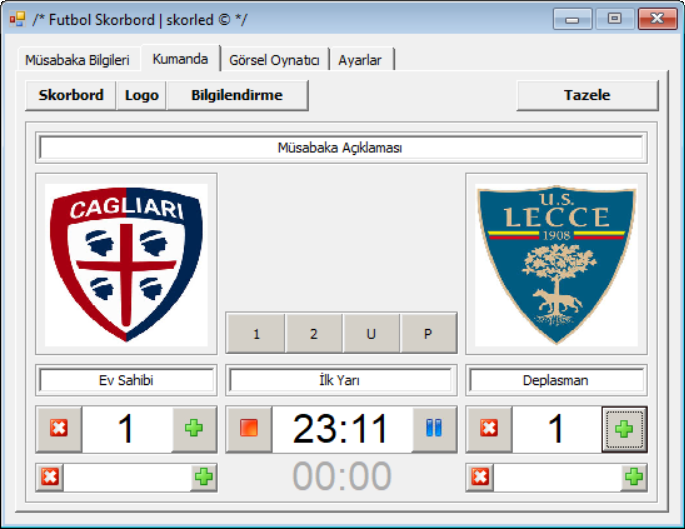
The control window of each version, from the first Futbol Skorbord made for Skorled stadium screens to today's soccerBoard 7. Every version kept what operators already knew and added what they asked for.
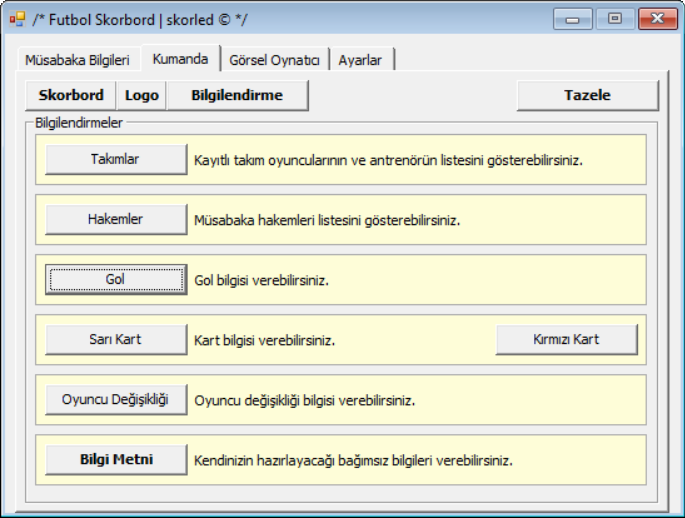
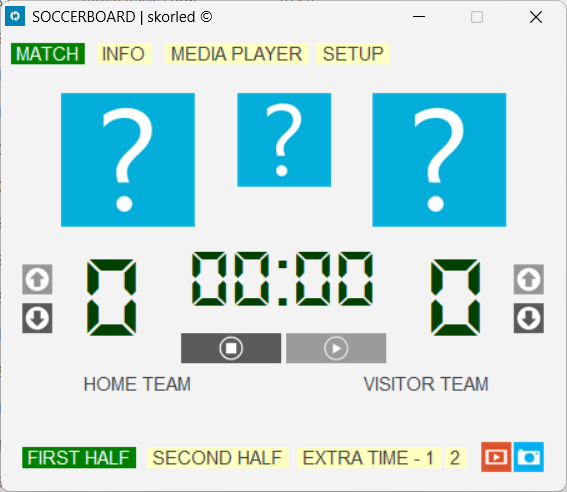
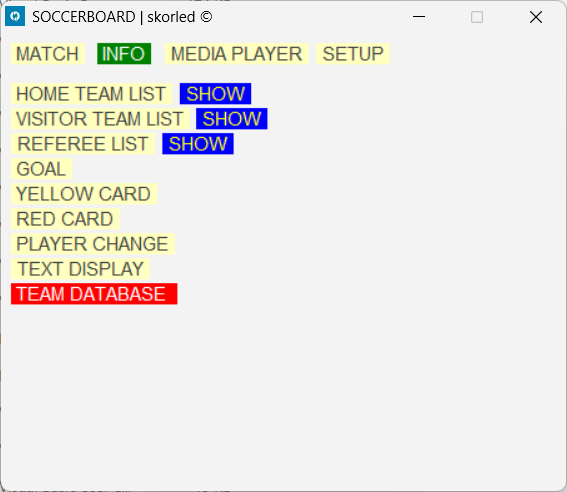
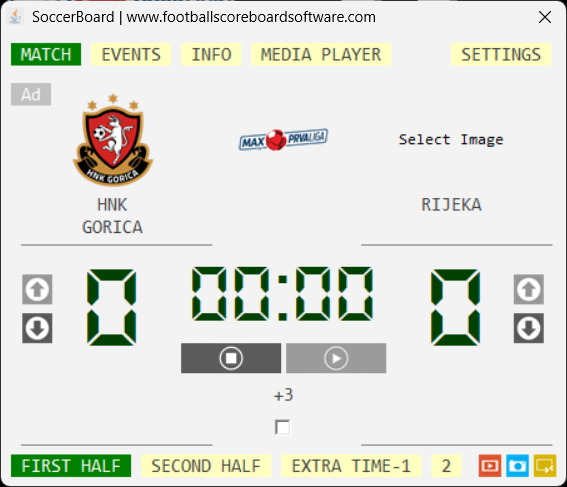
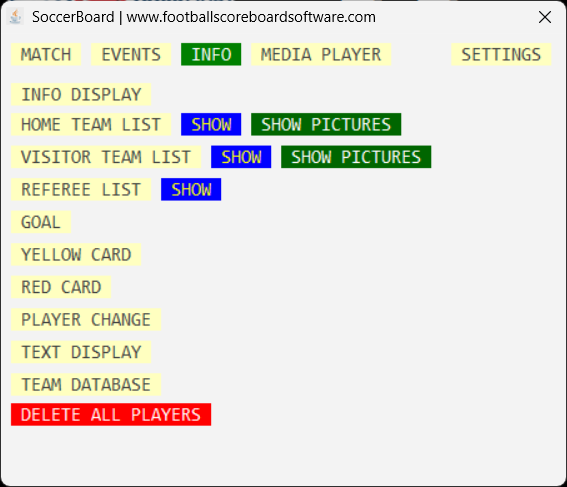
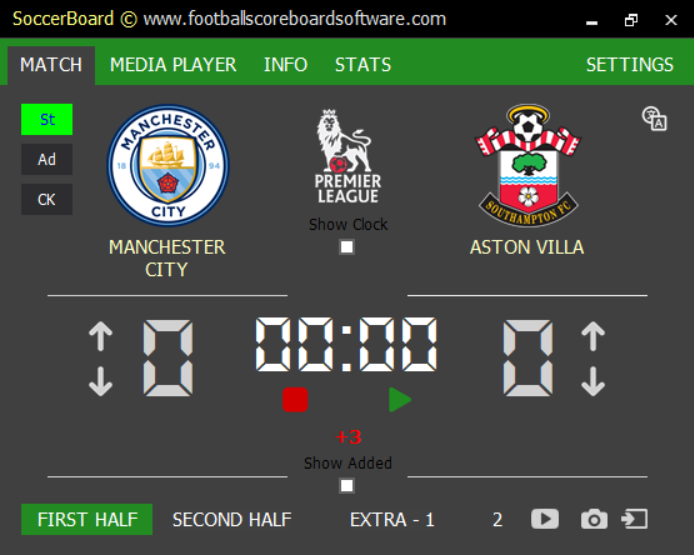
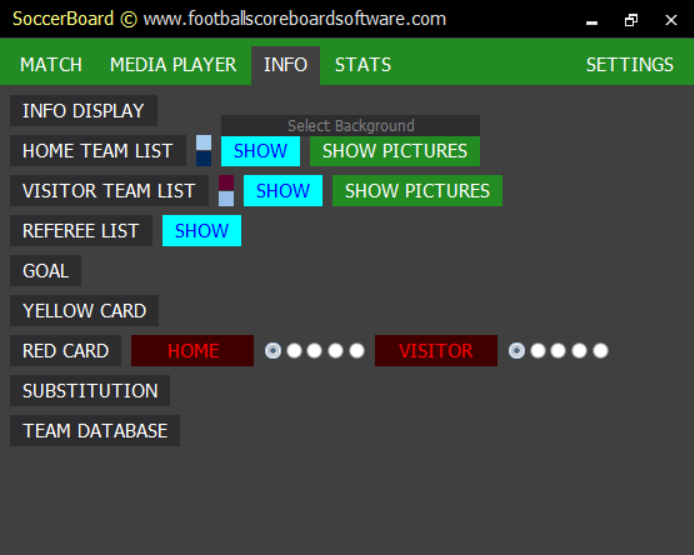
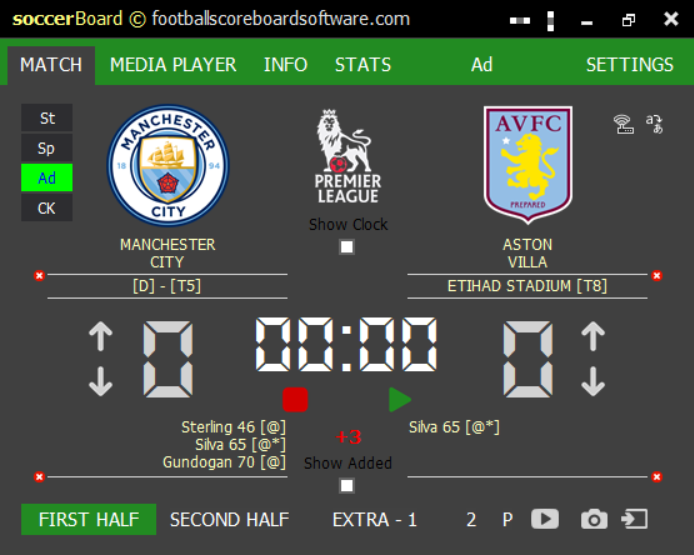
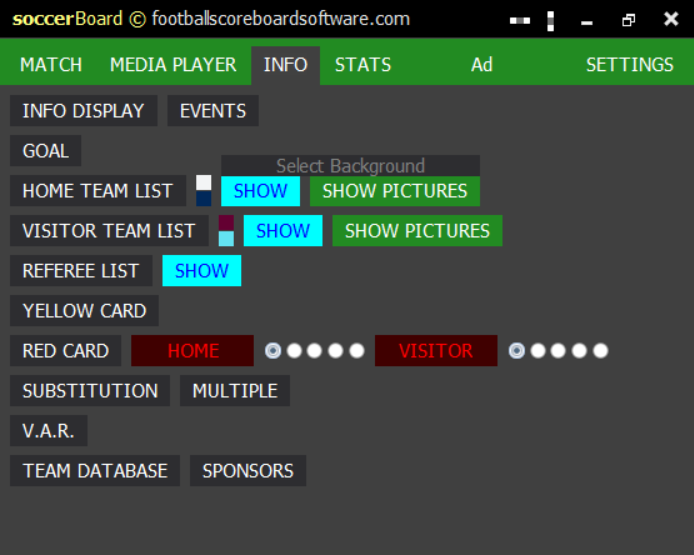
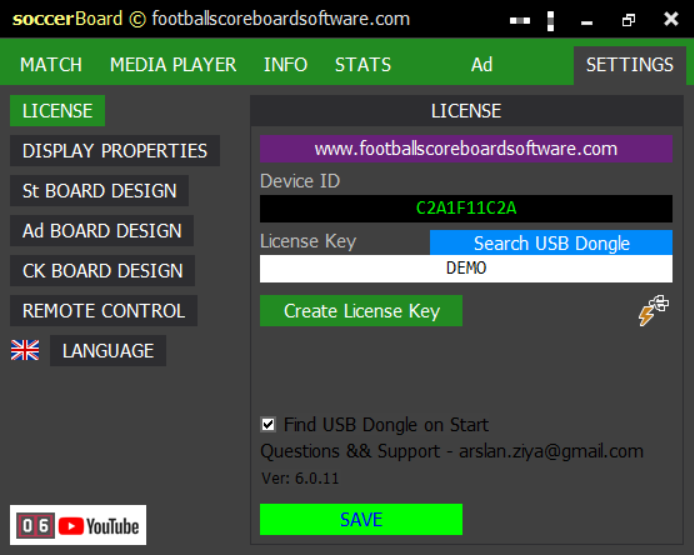
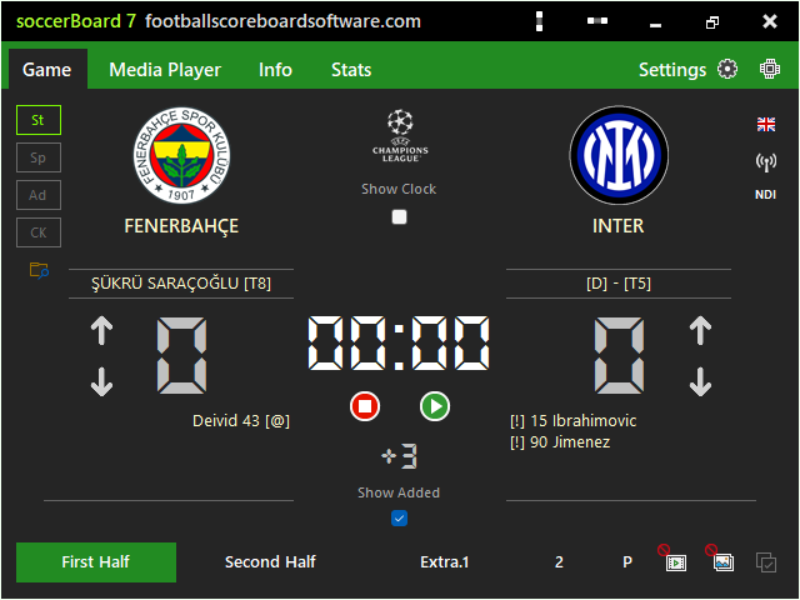
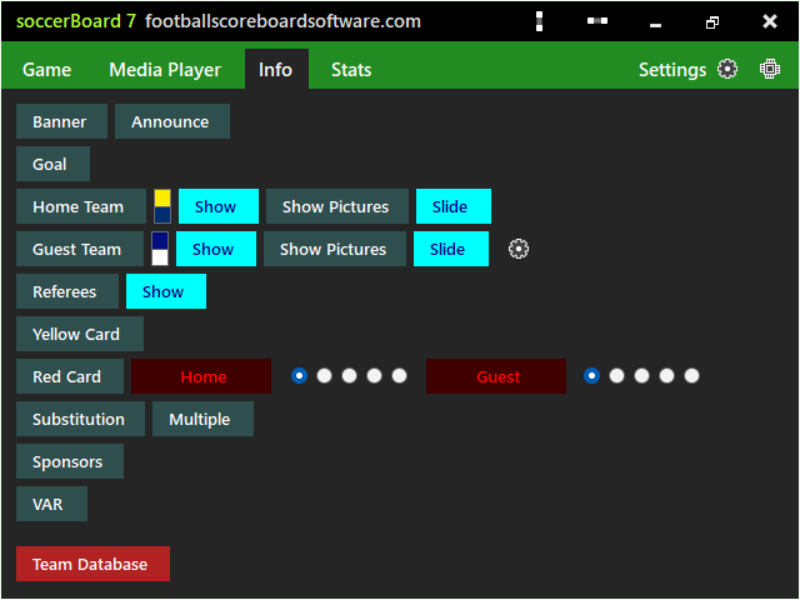
Each board knows the rules of its own sport. Everything around the score is shared, so an operator who knows one board can run any other.
Score, clock, periods and events on a single control panel that fits a 640 × 480 window next to the board.
Standard, Sponsored, Advertisement and Chroma Key. Switch between them during the match without stopping the game.
A scorebug and lower thirds on a key colour for the vision mixer, and an NDI stream for OBS, vMix and other NDI software.
Change the position, size, colour and font of every element and save your own designs by name.
A PIN-protected web panel for phones and tablets, plus an HTTP API on port 1907 for your own software.
The operator interface in 46 languages, and board titles you can rename. The board shows Latin, Cyrillic, Arabic, Greek and CJK text.
Every board has its own control panel built around the rules of its sport, and its own output for the LED screen. Here is each one: the main output on the left, the operator's control form on the right. Each board is a separate licence; several boards for one venue cost less together.
Halves, extra time and added time, goals, cards, VAR and line-ups. More about soccerBoard7 ›
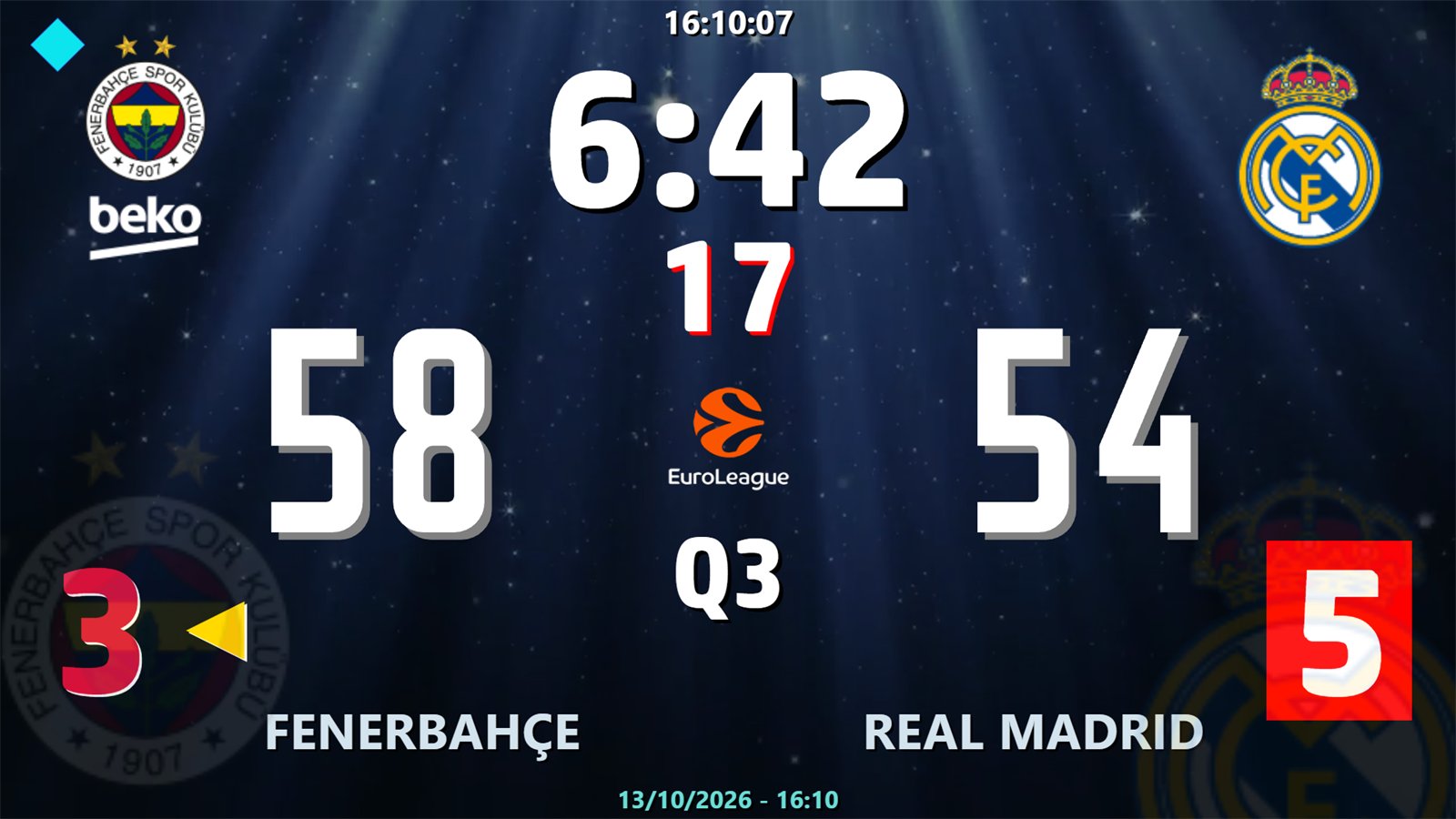
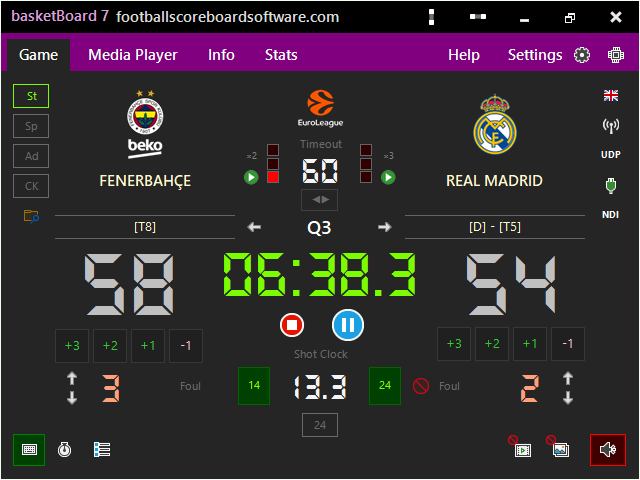
Quarters, shot clock, team and player fouls, FIBA, NBA and NCAA presets. More about basketBoard7 ›
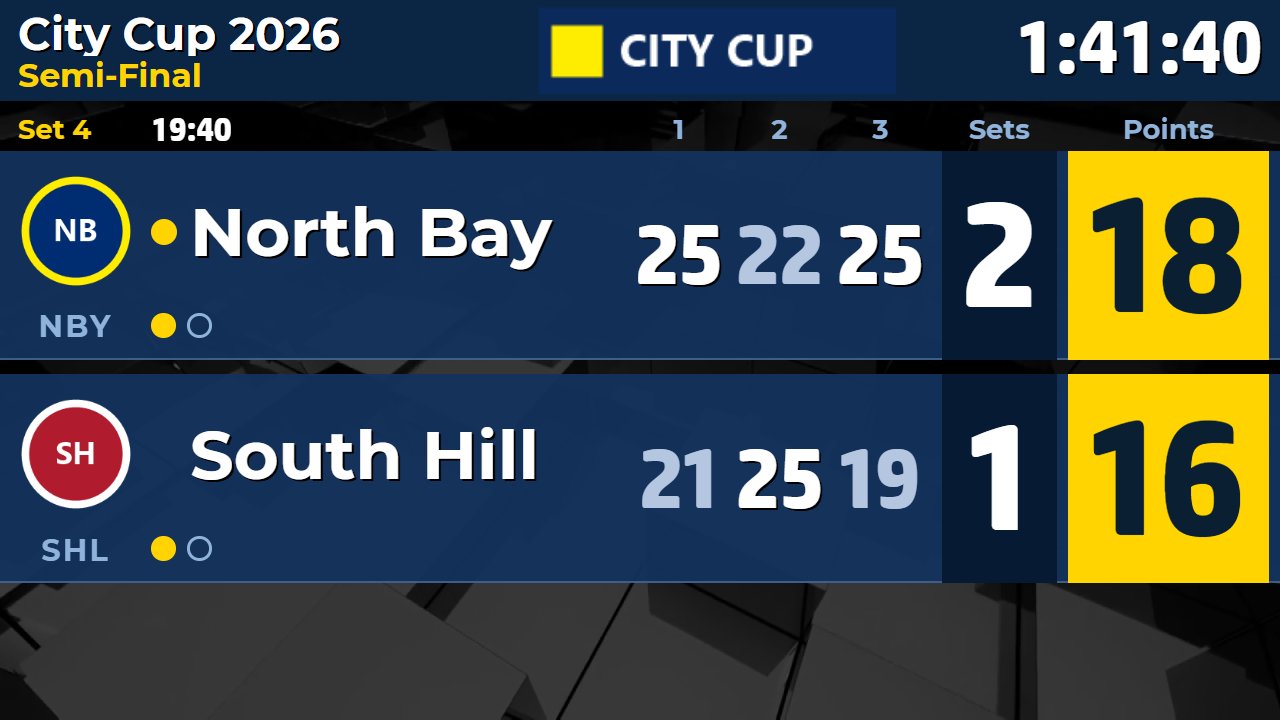
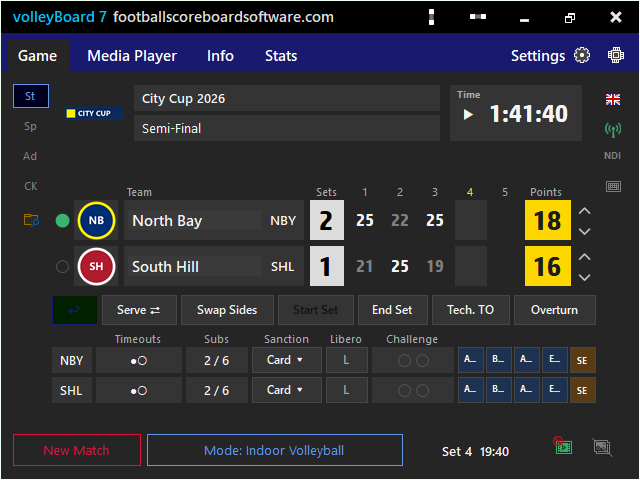
Sets, rally points, serve, time-outs, challenges; indoor, beach and sitting. More about volleyBoard7 ›
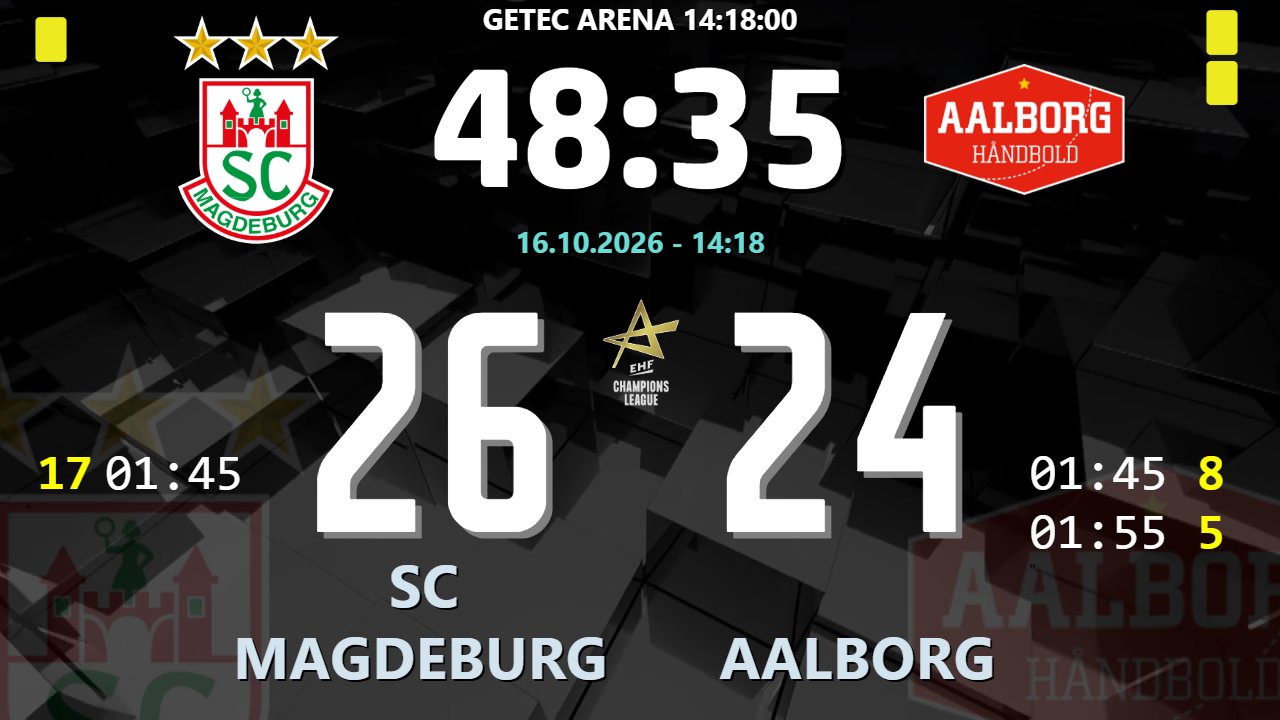
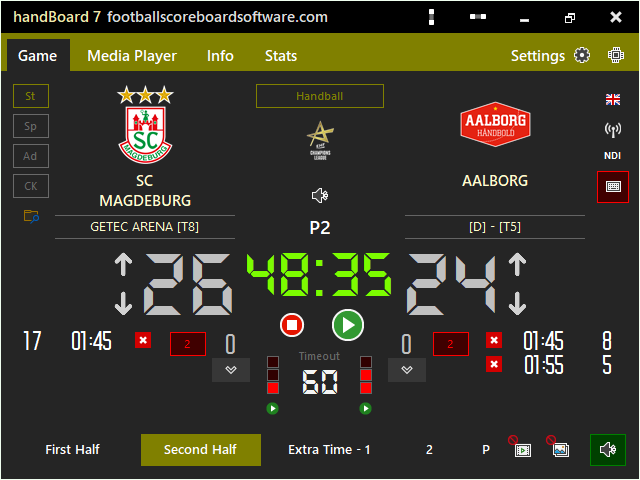
Halves, 2-minute suspensions, team time-outs and 7-metre shoot-out. More about handBoard7 ›
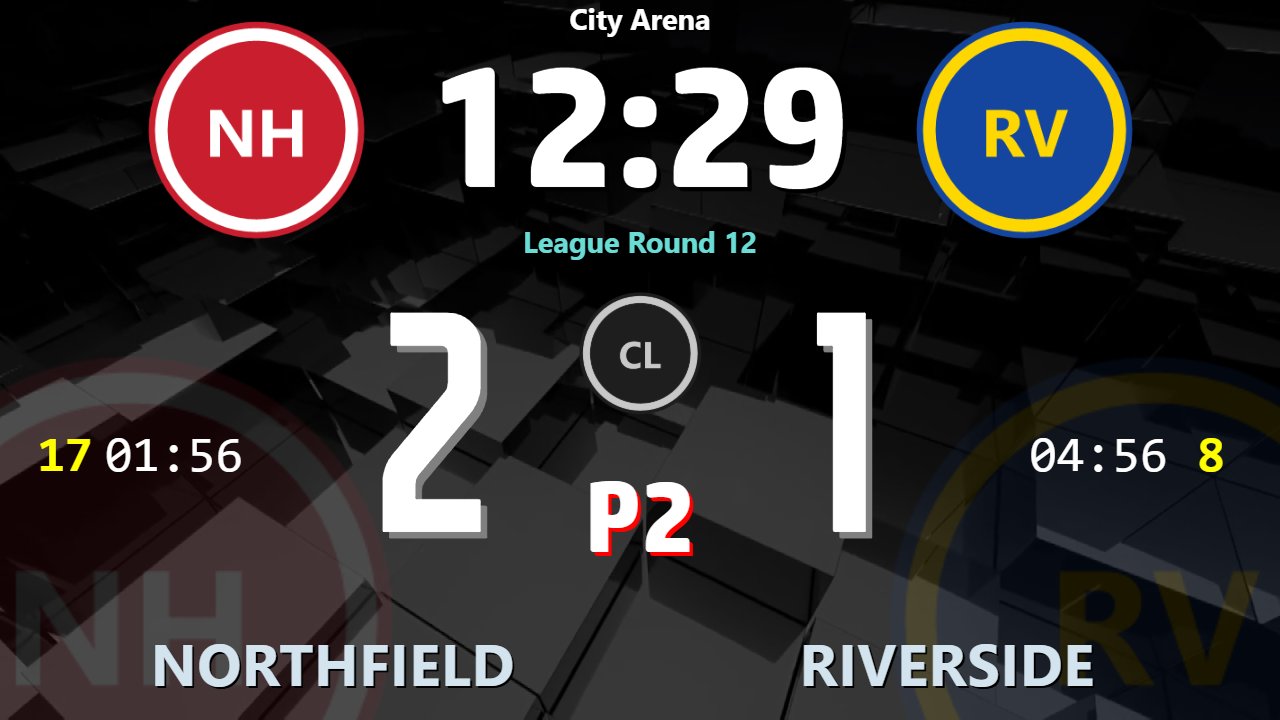
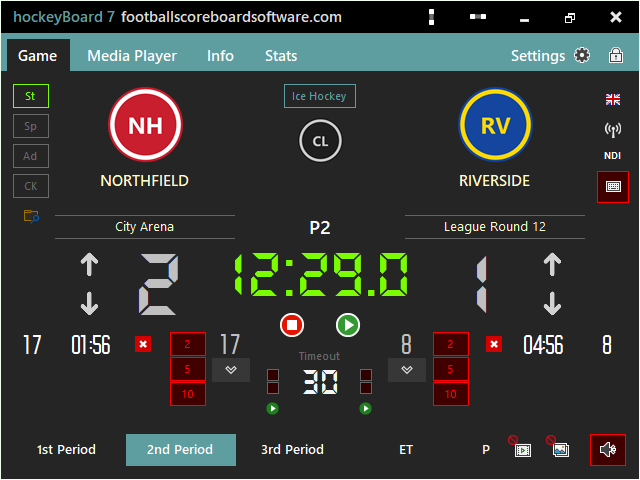
Ice, field, indoor, roller and bandy with penalty timers and shoot-outs. More about hockeyBoard7 ›
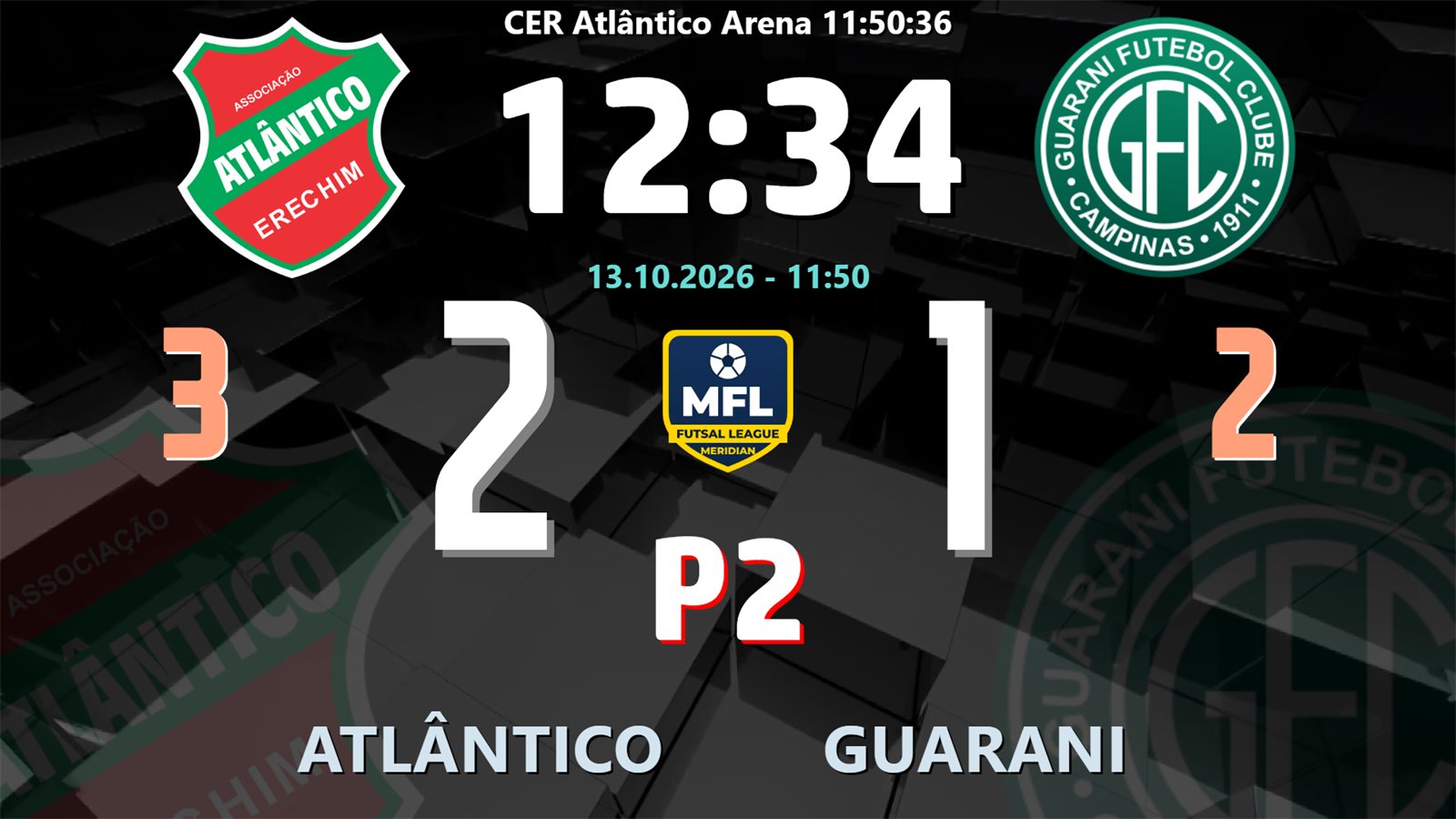
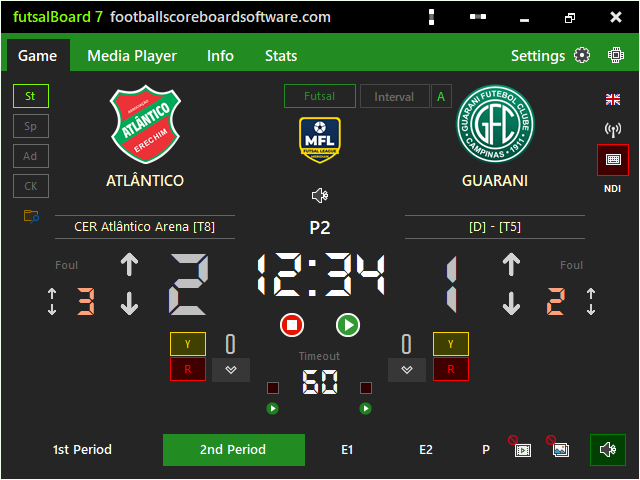
Accumulated fouls, sent-off timers, beach soccer, floorball and netball. More about futsalBoard7 ›


Points, games, sets, tie-breaks, Hawk-Eye challenges; padel and beach tennis. More about tennisBoard7 ›


Ball-by-ball scoring for T20, ODI, Test and The Hundred, with DRS. More about cricketBoard7 ›
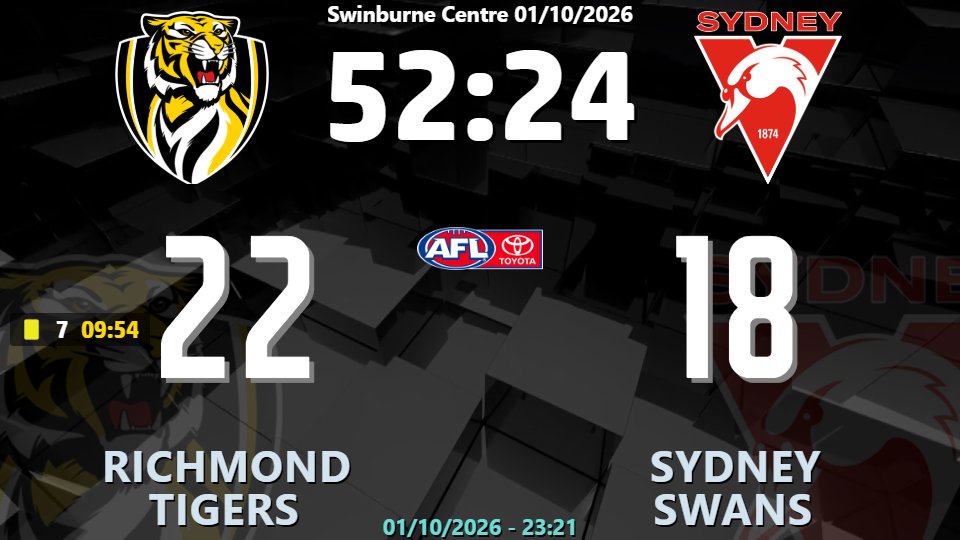
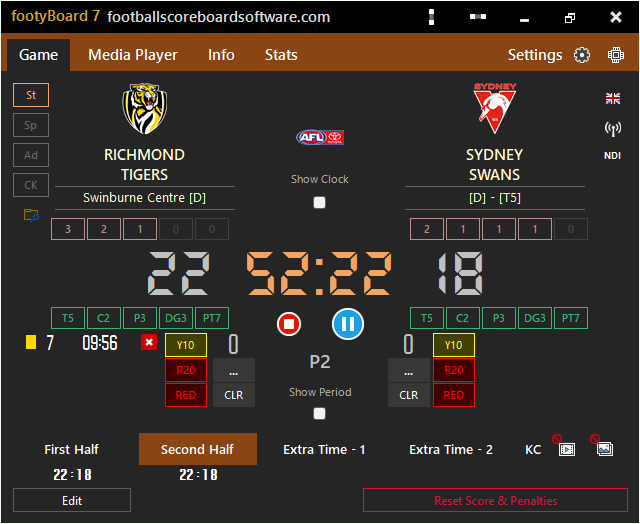
Union, league and sevens with tries, conversions and sin-bin timers. More about footyBoard7 ›
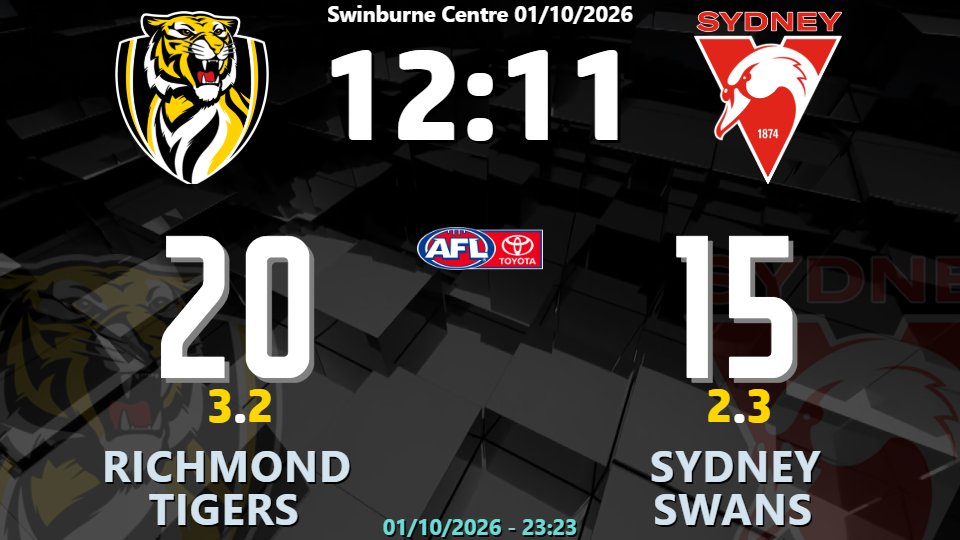
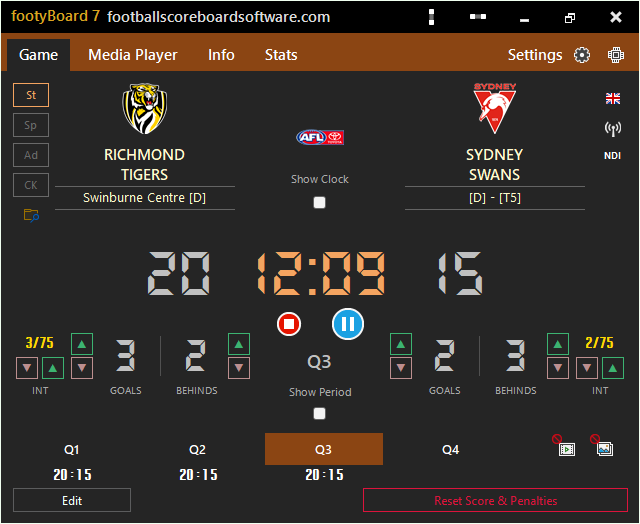
Goals and behinds, interchange count; Gaelic football and hurling. More about footyBoard7 ›
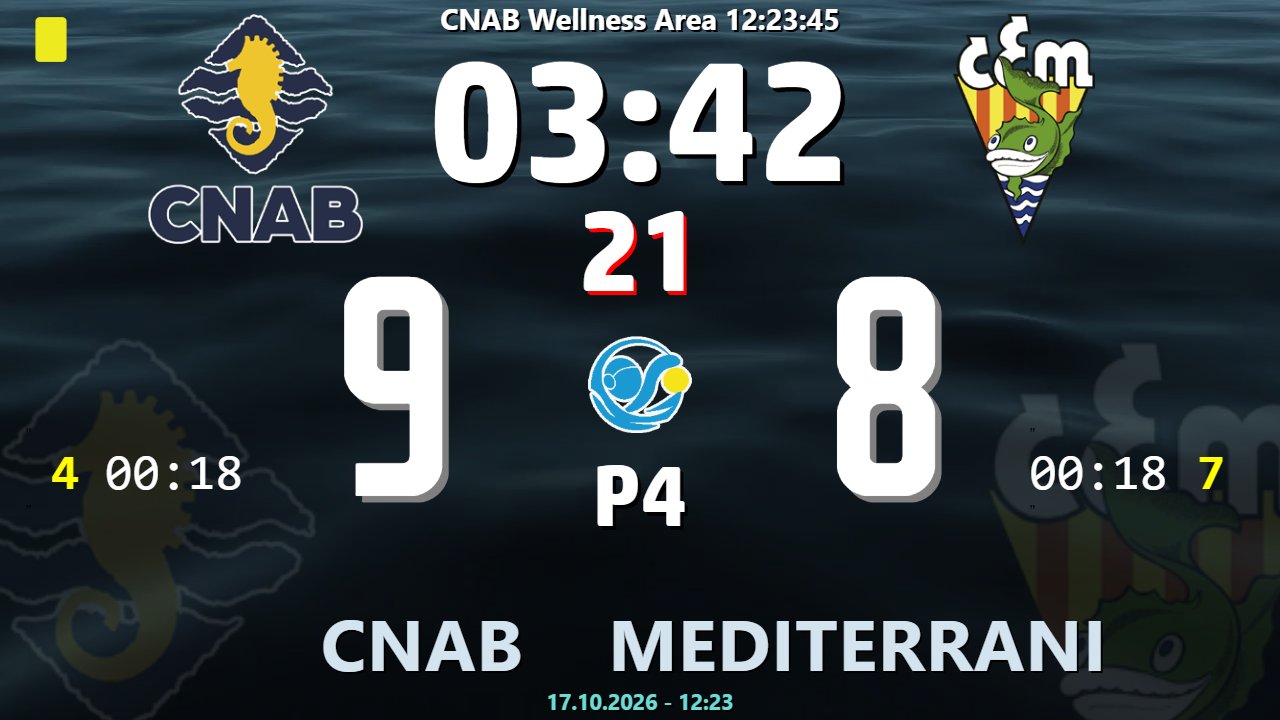
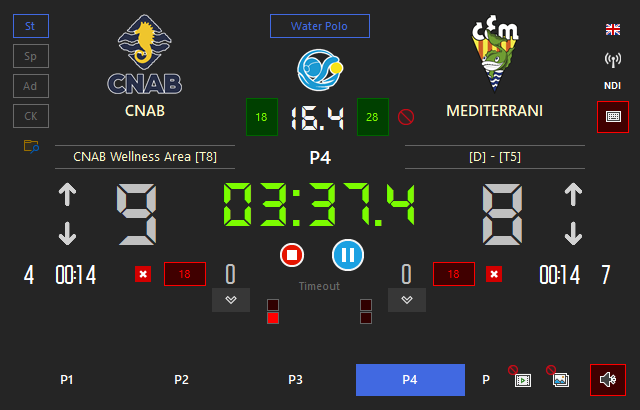
Shot clock, exclusions, penalty shoot-out and canoe polo. More about waterBoard7 ›
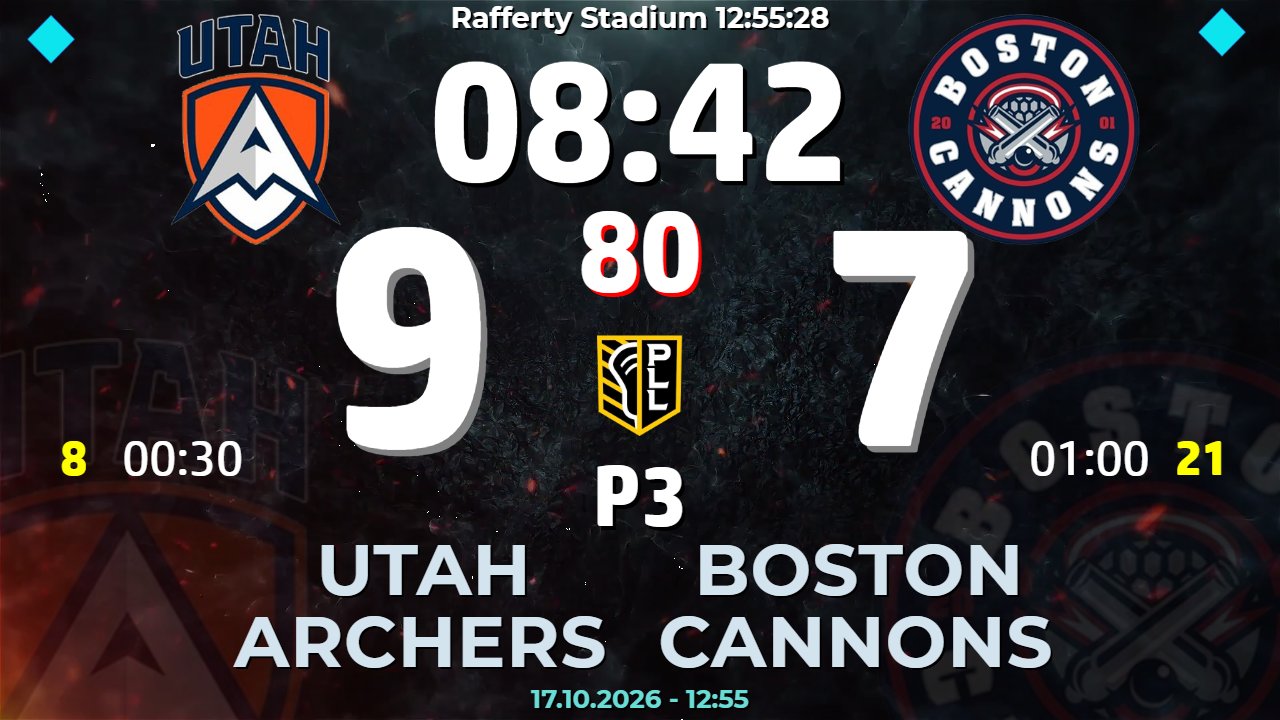
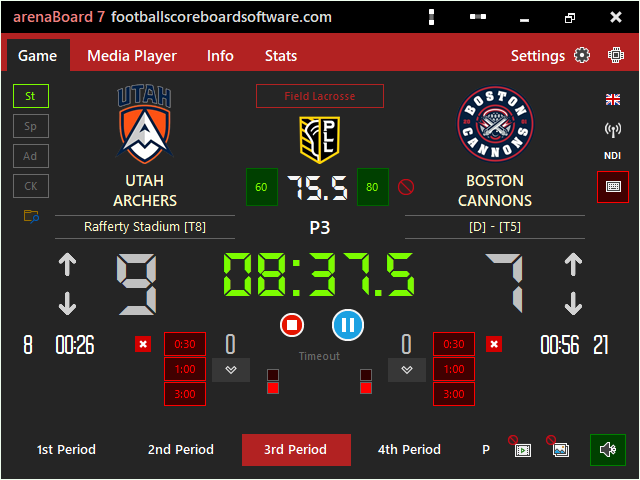
Shot clock, time penalties and shoot-outs for field, women's and Sixes. More about arenaBoard7 ›
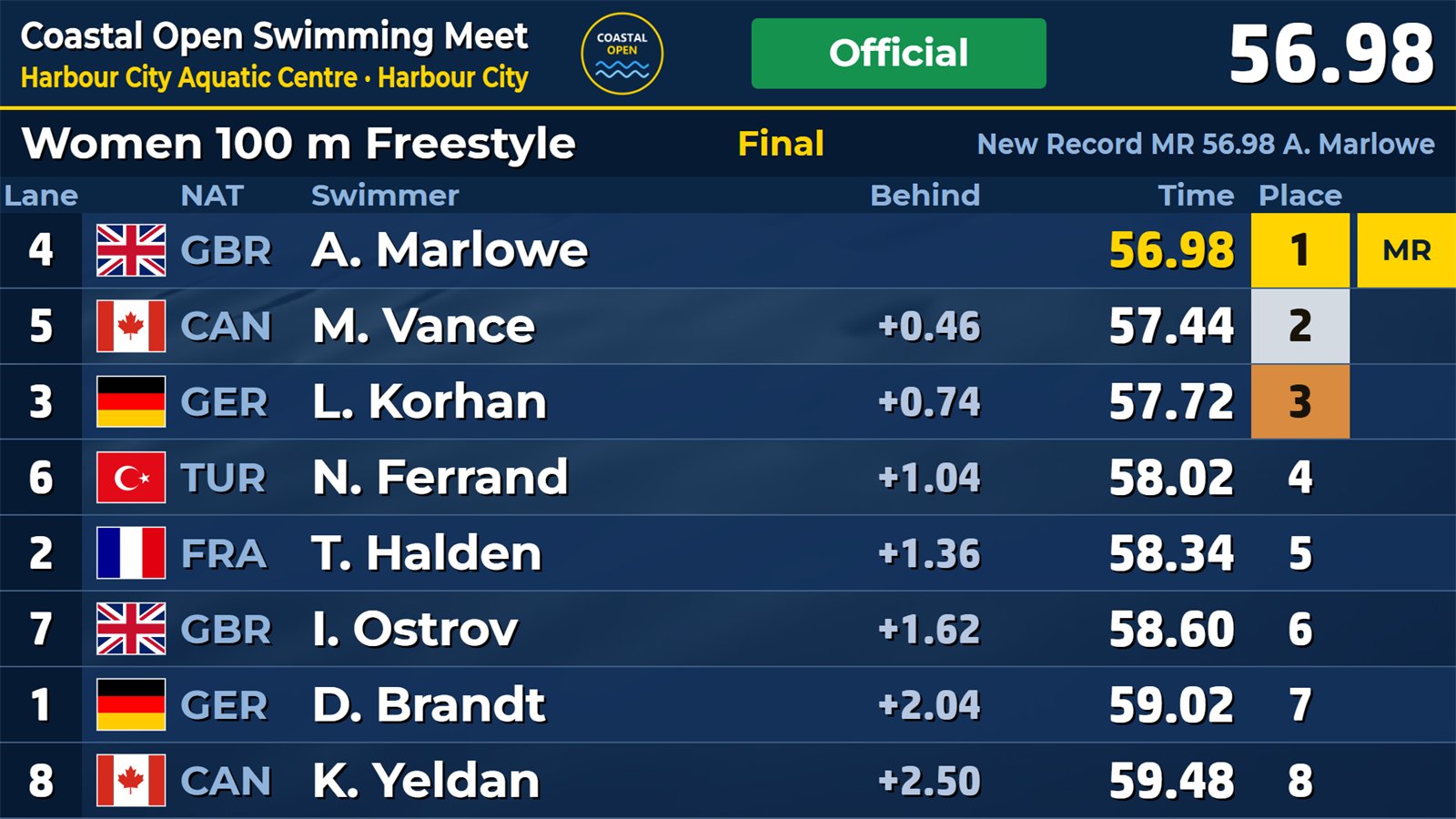
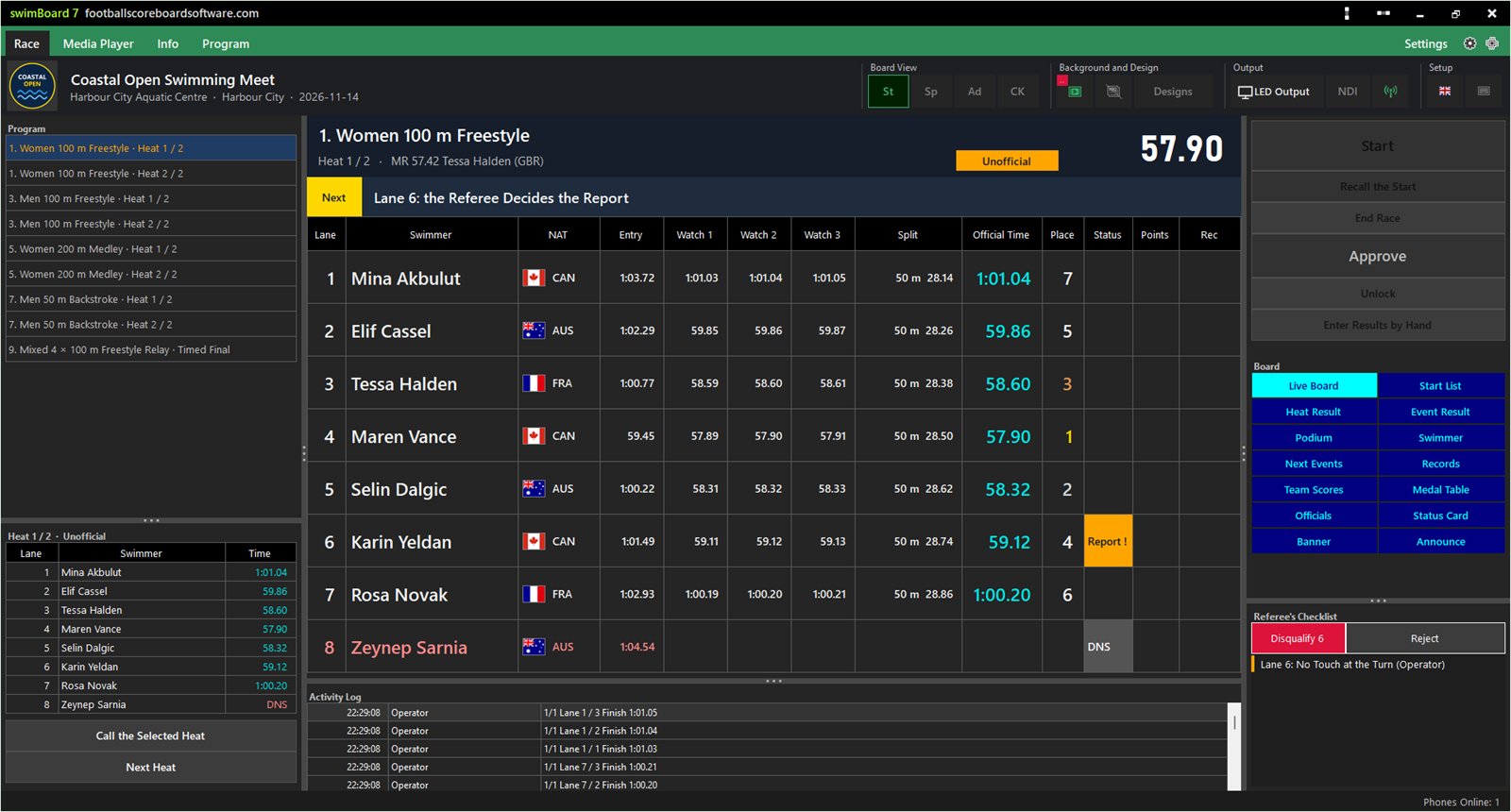
Heats, finals and relays with hand times from the timekeepers' phones, seeding, swim-offs and results. More about swimBoard7 ›
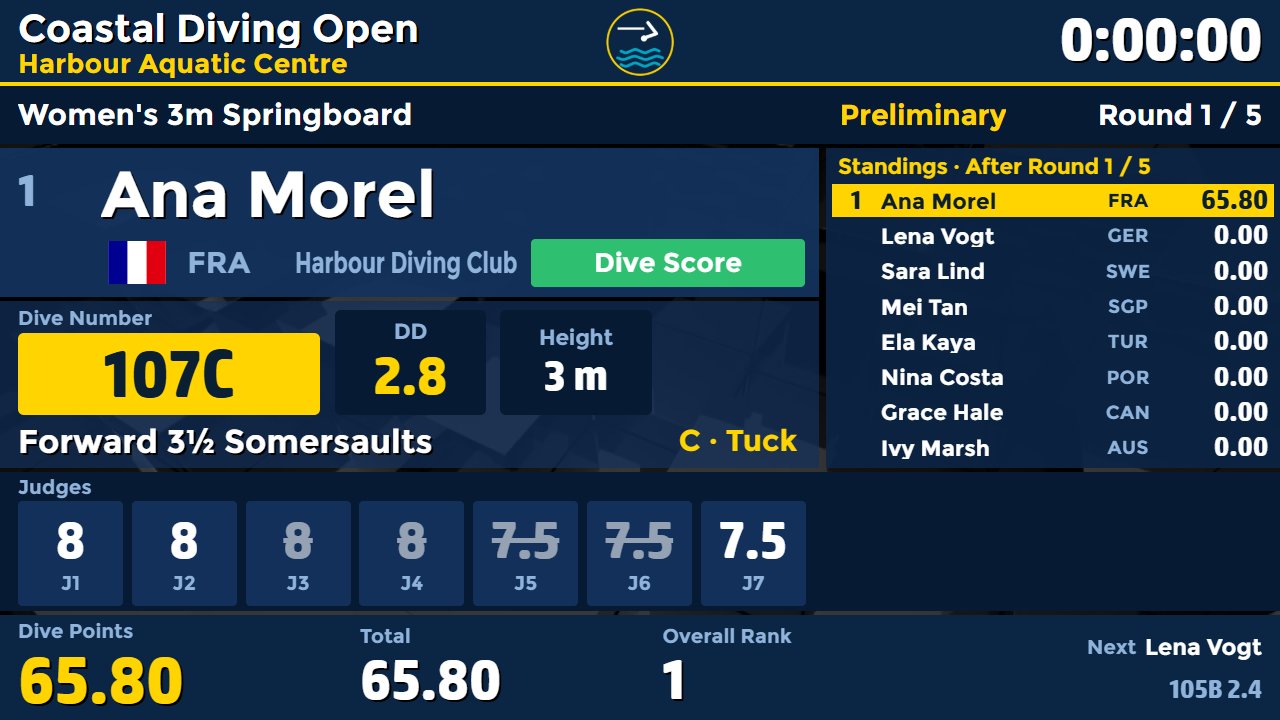
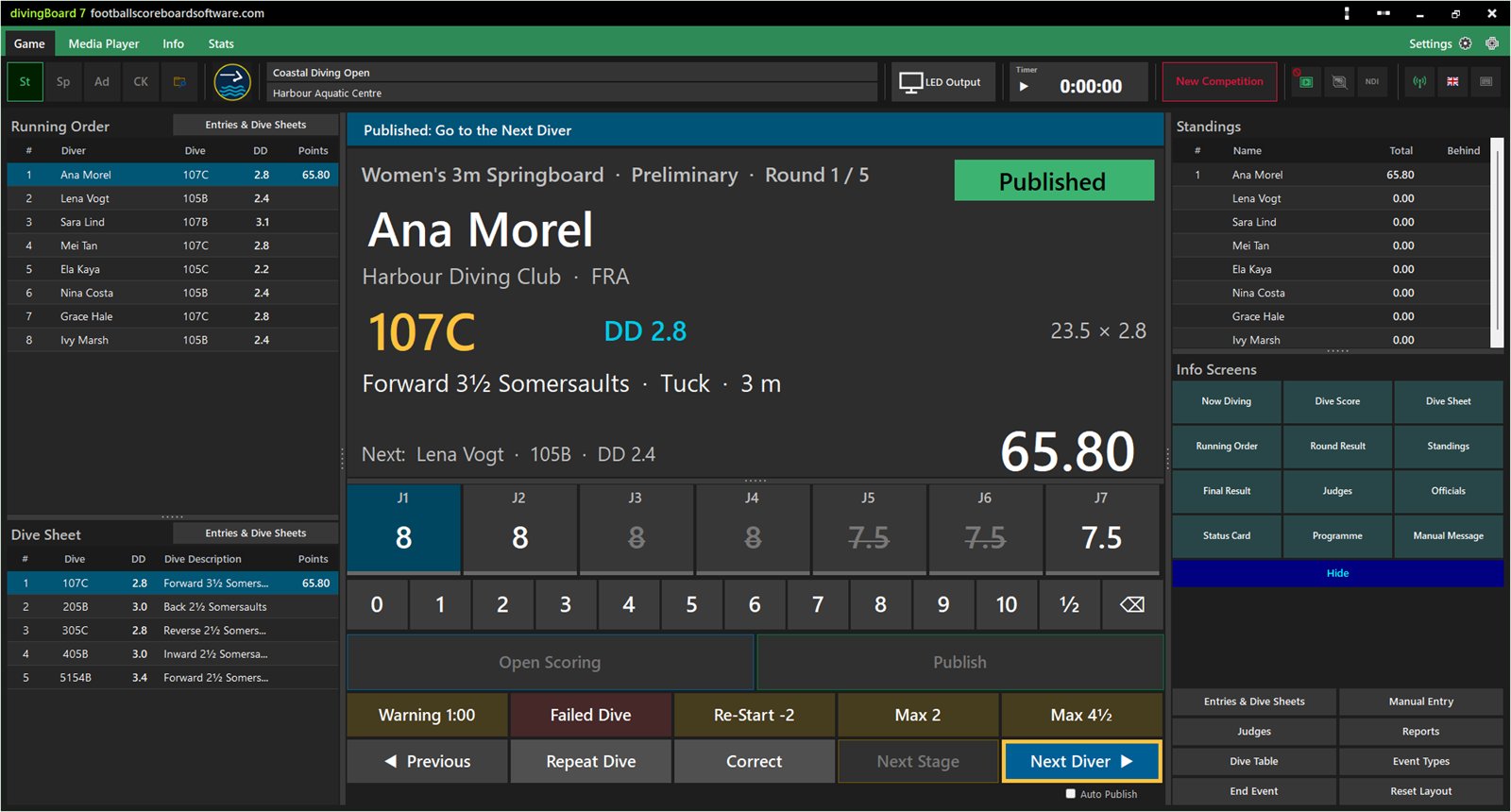
Judges' awards on phones, degree of difficulty, synchro, penalties and standings. More about divingBoard7 ›
A closer look at the football board: each pair shows a window of soccerBoard7 and what it puts on the LED display. Every other board works the same way with the events of its own sport.
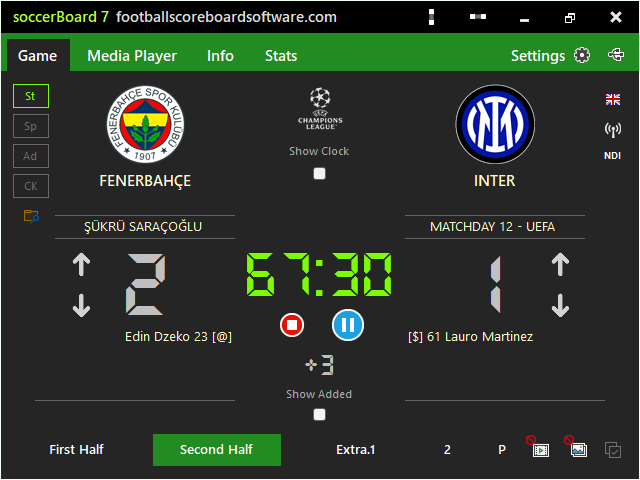
Team names, logos, the score and the match clock sit on the Game tab. The period buttons start each half at its own minute, and added time is a number you type.
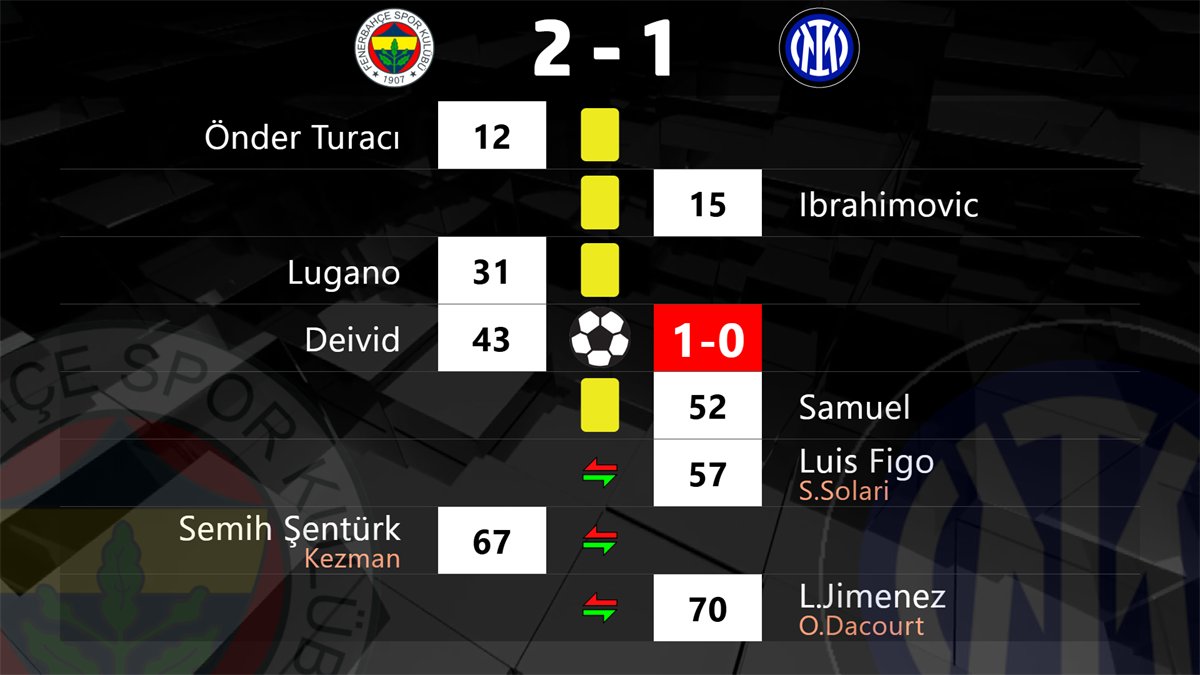
Every event goes into the match timeline with its minute and player. Show it on the board as a list, filter it, or correct a row afterwards.
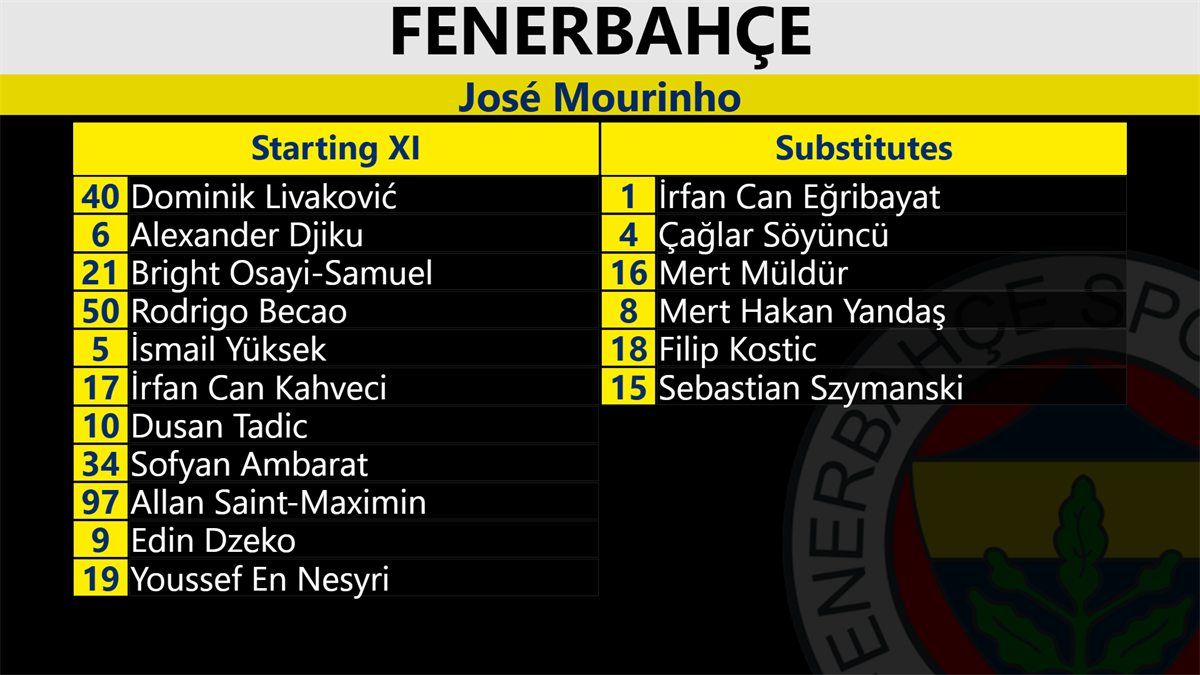
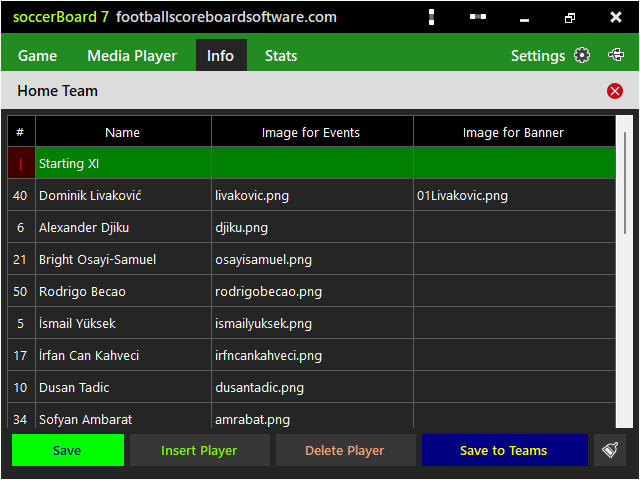
Keep each club with its players, numbers and photos. Load the squad before the match and mark the starting eleven; the team list and every event graphic use these names.
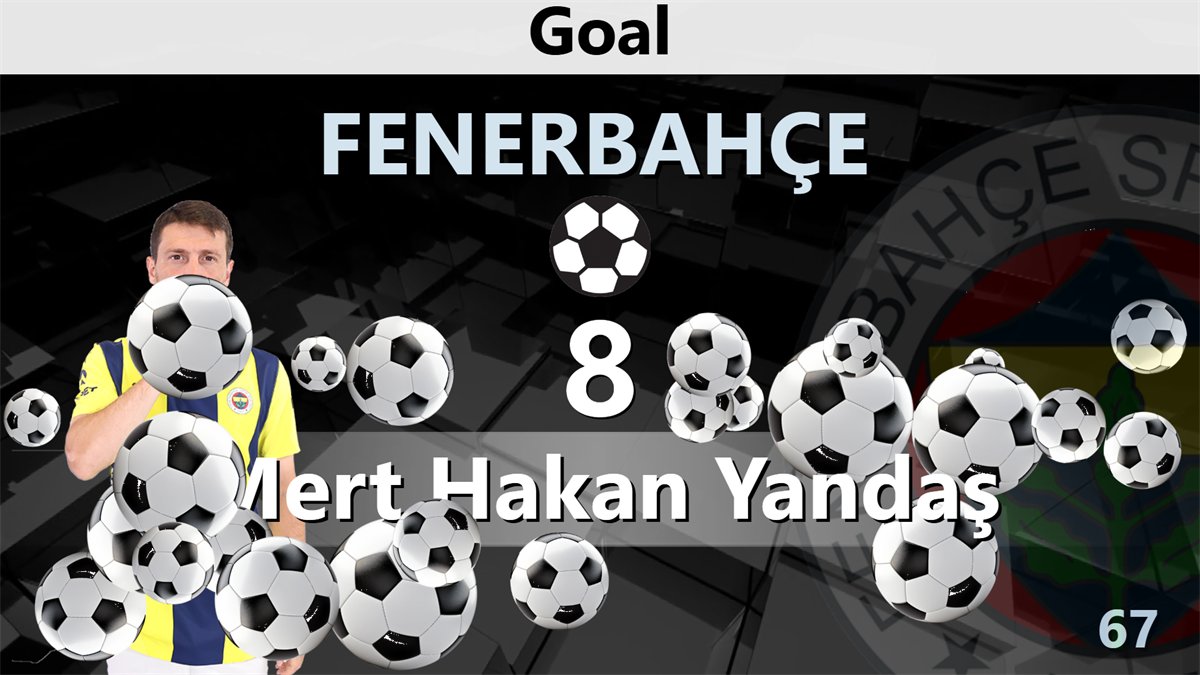
Pick the player and the minute, then click Show. The goal graphic plays over the board with the player picture, on a video or image background if you want one.
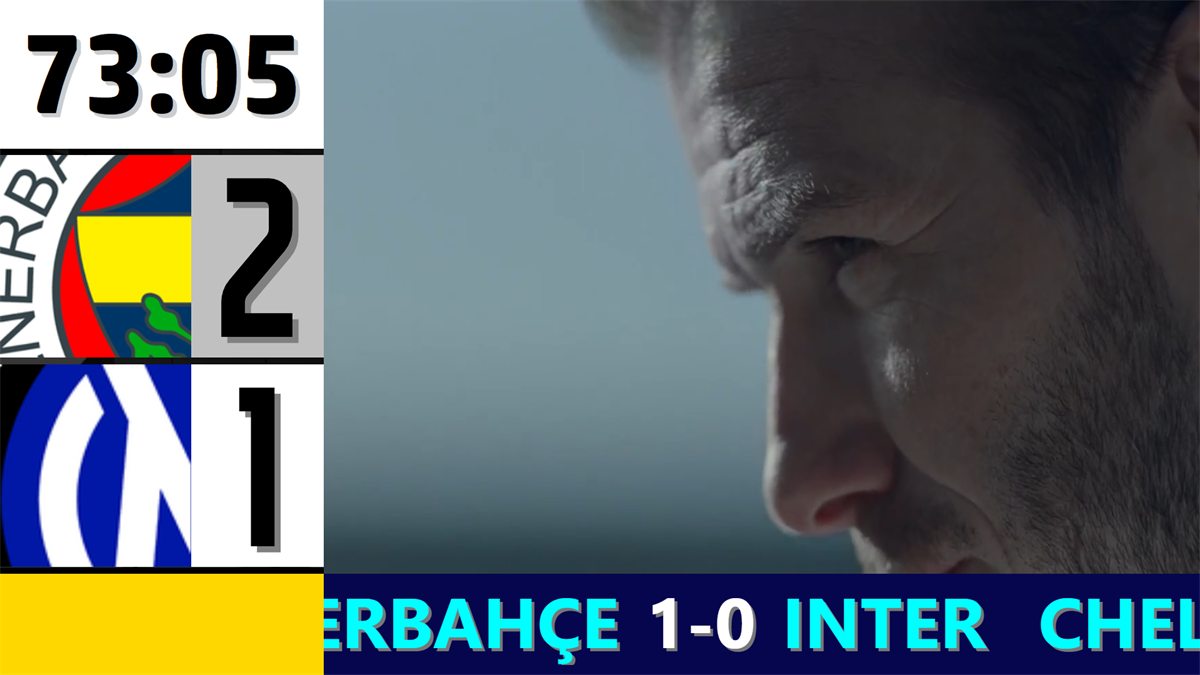
The Advertisement mode keeps the clock and score in a column and plays your video or image playlist next to it, with a scrolling banner below.
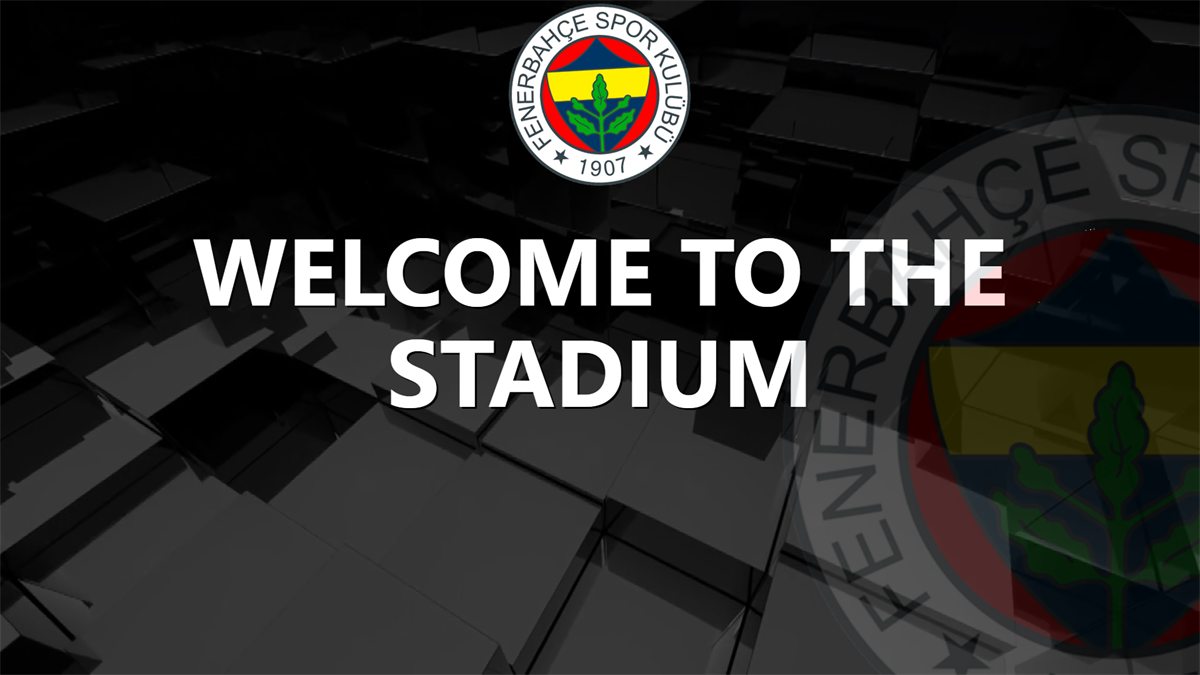
Write a welcome, a safety notice or a half-time message, choose the font and colours, and show it full screen before, during or after the match.
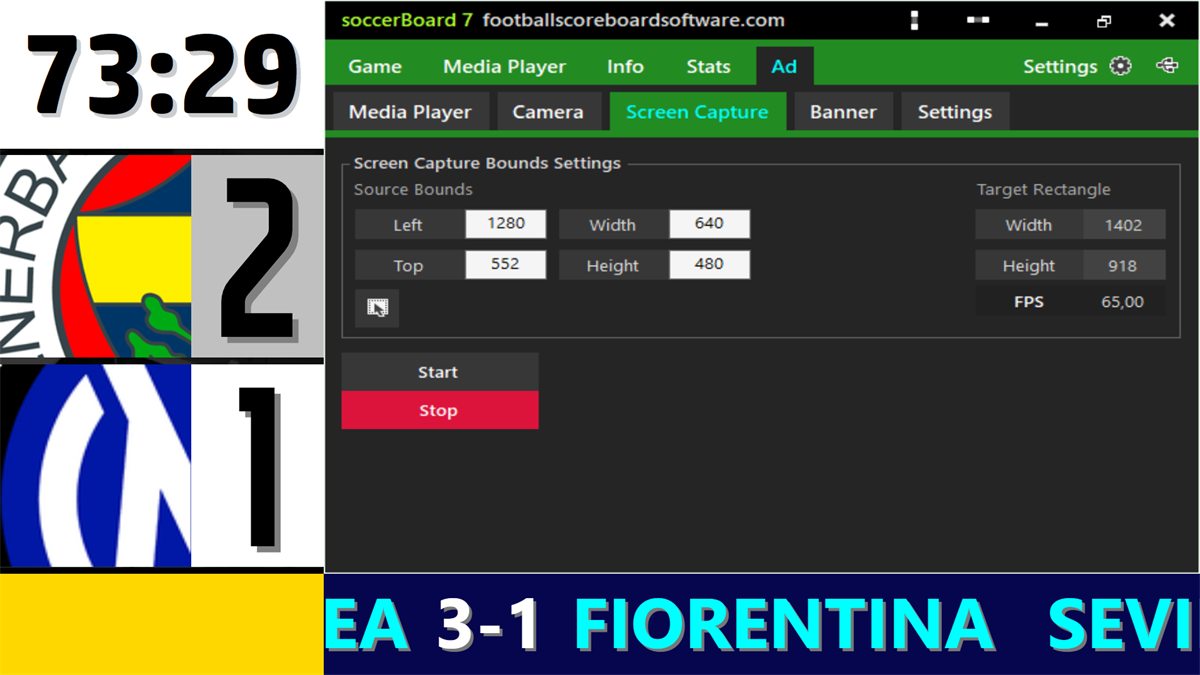
Put a live camera, an NDI source or any part of the PC screen on the board, next to the clock and score. Capture is set by its source and target rectangle.
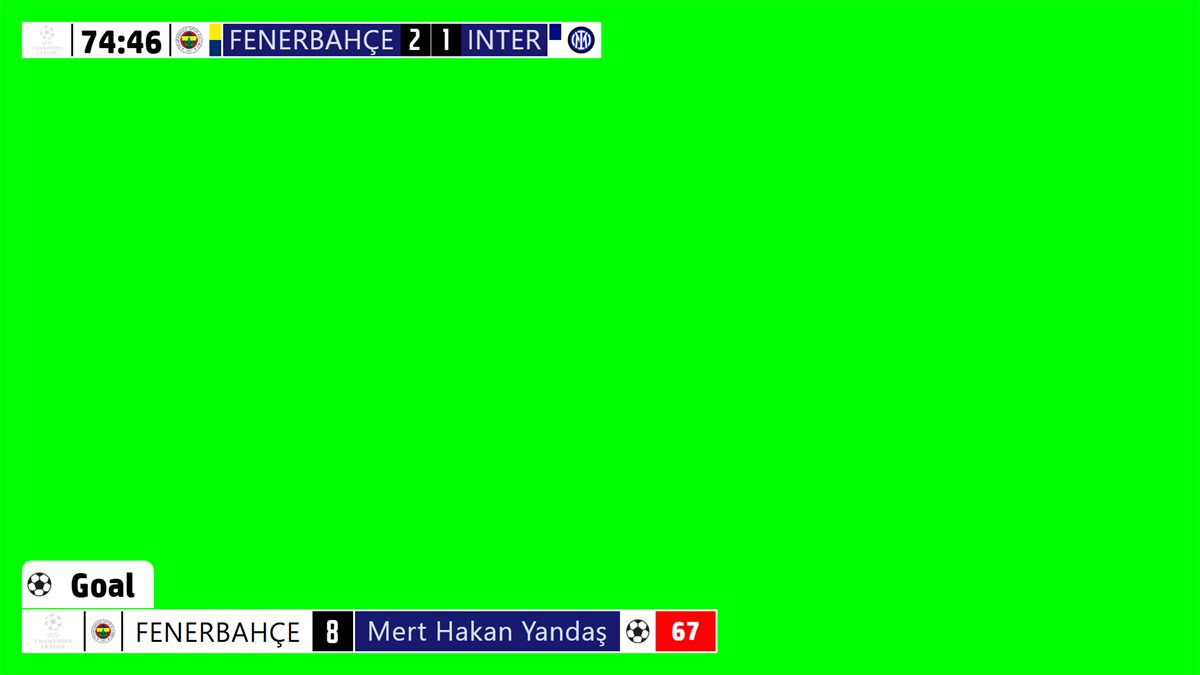
Chroma Key mode draws the scorebug and the event lower thirds on a key colour, ready for the vision mixer or the streaming software.
Every board has a small web server built in. A phone, tablet or laptop on the same network opens the control panel in its browser; there is no app to install, so iPhone, Android and Linux devices all work.
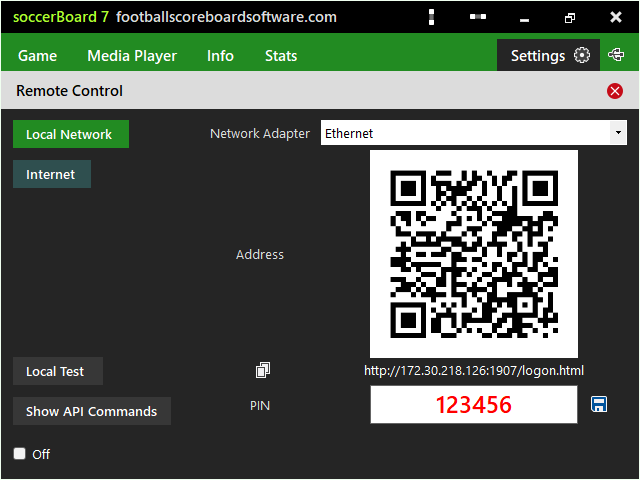
Phone shows nothing? The PC and the phone must be on the same network, and Windows Firewall must allow port 1907. The installation folder contains open_firewall_1907.bat for that.
Short lessons with on-screen captions for every board.

You write to the person who builds the software. Questions before a purchase, help with a first installation and requests for your league's rules go to the same address: arslan.ziya@gmail.com.
Every licence is a lifetime licence with two years of free updates. You get a PC key and a USB licence that the software writes to your own flash drive, so the board can move to a spare PC on match day. The key usually arrives within two hours of payment.
Each board comes with a full user guide in PDF, and the tutorial videos show the everyday tasks step by step.
Run the perimeter LED panels of any sport from one panel.
Modern, web-based LED perimeter player and playlist manager for the advertising panels around football and every other sport. Uploaded media auto-fits the panel; goals, scores, time-outs, cards and other quick actions cut in with a single click and return. A browser is enough — easy to install, even easier to run.
Download the demo of your board and test it on your LED display before you buy.