Field Lacrosse Scoreboard Software
4 × 15 minutes, shot clock 80 seconds with a 60-second reset after a save, penalties of 0:30, 1:00 and 3:00 with up to three running per team, and a 90-second timeout.
arenaBoard7 field, women's, Sixes and intercrosse, one licence
arenaBoard7 puts the score, match clock, shot clock and player penalty timers of a lacrosse game on your arena LED display, projector or NDI stream. Presets cover field lacrosse, women's lacrosse, Sixes and intercrosse, and every rule value can be edited for your league.
Two reset buttons per discipline, for example 80 seconds for a new possession and 60 after a save. It runs with the match clock.
Up to three penalty lengths per discipline, shown with the player number. Further penalties wait in the list and start when a running one ends.
A goal ends the first releasable penalty of the other team. The longest penalty (3:00, or 5:00 in women's lacrosse) is served in full.
Four periods with your own labels, a timeout countdown per discipline and a shootout with scored and missed attempts.
Standard, Sponsored, Advertisement and Chroma Key boards, LED strip formats such as 1920 × 480 and NDI output for vMix or OBS.
Score, clock, shot clock, penalties, info screens and media from a phone or tablet browser, PIN protected.
22 short lessons show how to run a match and set up the board. Lacrosse operators can watch only the part they need. Each video has on-screen captions and no narration.

Watch on YouTube
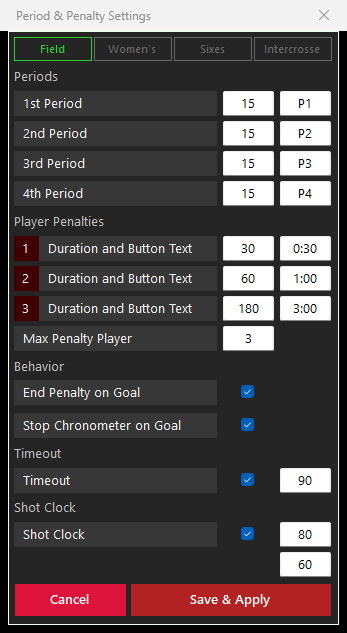
The discipline buttons in Period and Penalty Settings load the factory values of field lacrosse, women's lacrosse, Sixes or intercrosse. Period lengths and labels, penalty lengths, timeout and shot clock can then be changed and saved for your league.
4 × 15 minutes, shot clock 80 seconds with a 60-second reset after a save, penalties of 0:30, 1:00 and 3:00 with up to three running per team, and a 90-second timeout.
4 × 15 minutes, 90-second possession clock with a 60-second reset, green card 1:00 and yellow card 2:00 (releasable) and red card 5:00 (served in full), 120-second timeout.
4 × 8 minutes with a running clock that a goal does not stop, 30-second shot clock, penalties of 0:30, 1:00 and 3:00 with up to two per team, 30-second timeout.
Two halves of 15 minutes (H1, H2) and two 5-minute overtimes (OT1, OT2), 30-second shot clock, 1:00 and 2:00 penalties, one at a time per team, 60-second timeout.
There is no separate box lacrosse preset. Start from a field preset and enter the period lengths, period labels, penalty lengths and shot clock values of your box league, then save them for every match.
Ringette has no factory preset either. The same editable settings (periods, penalty times, timeout and a shot clock with two reset values) let you set the board up for a ringette game.
Check your competition rules. The factory values are a starting point, not a rule book. Leagues and age groups play different period lengths, shot clocks and penalty times, so check every value before the first match.
The Game tab on the operator PC drives the board window on the second monitor, the LED wall controller or the NDI stream.
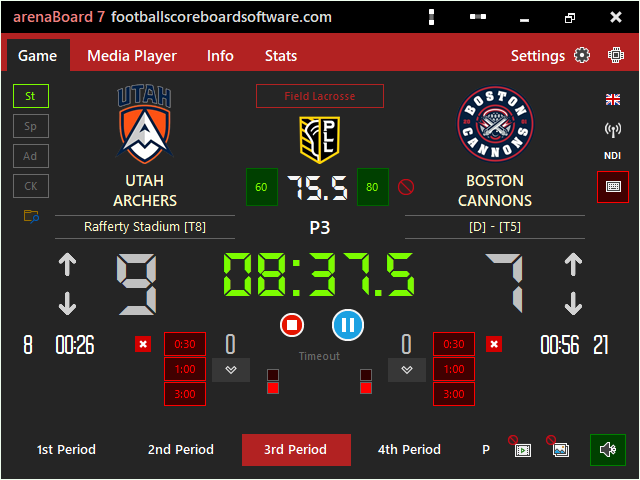
Score, match clock, shot clock, penalties and timeouts are on one page. Starting the match clock also runs the shot clock and the penalty timers; from the remote, the keyboard or the HTTP API it works the same way.
Choose Field, Women's, Sixes or Intercrosse to load the factory values, then adjust any field. Save and Apply updates the Game tab at once and keeps the score and the penalties in the list.
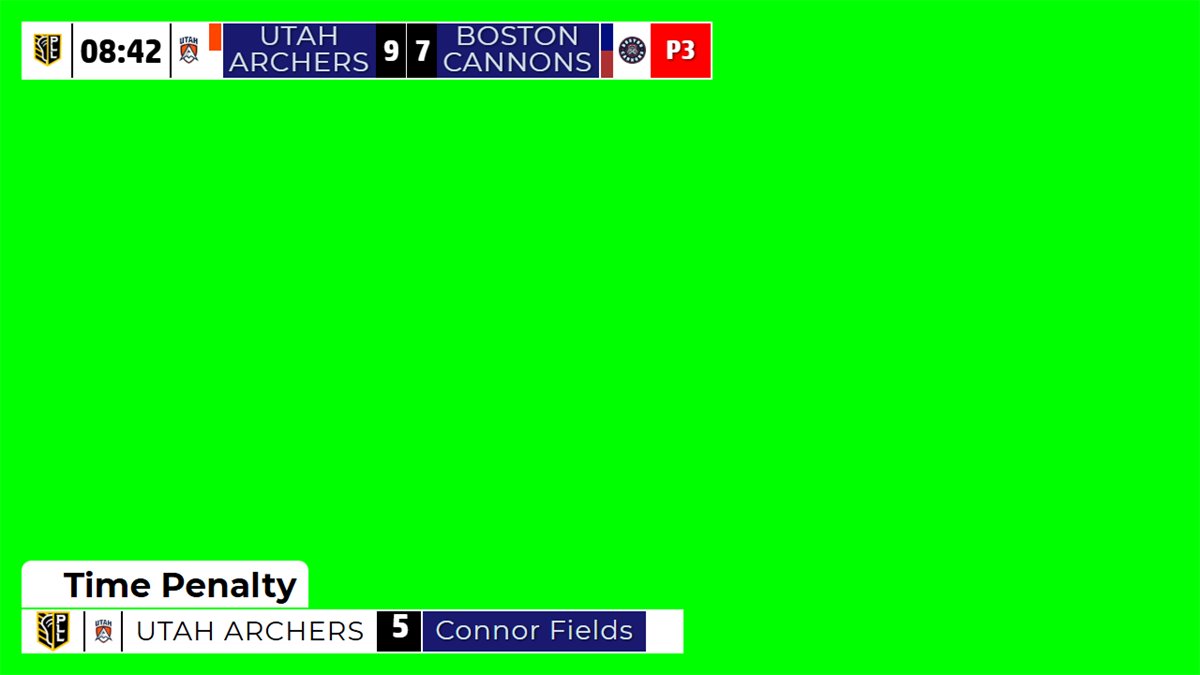
The Chroma Key board draws a compact scorebug and lower thirds on a key colour. Key it over the camera picture in vMix, OBS or a vision mixer, or send it over the network with the NDI button (sender name Ab7_NDI).
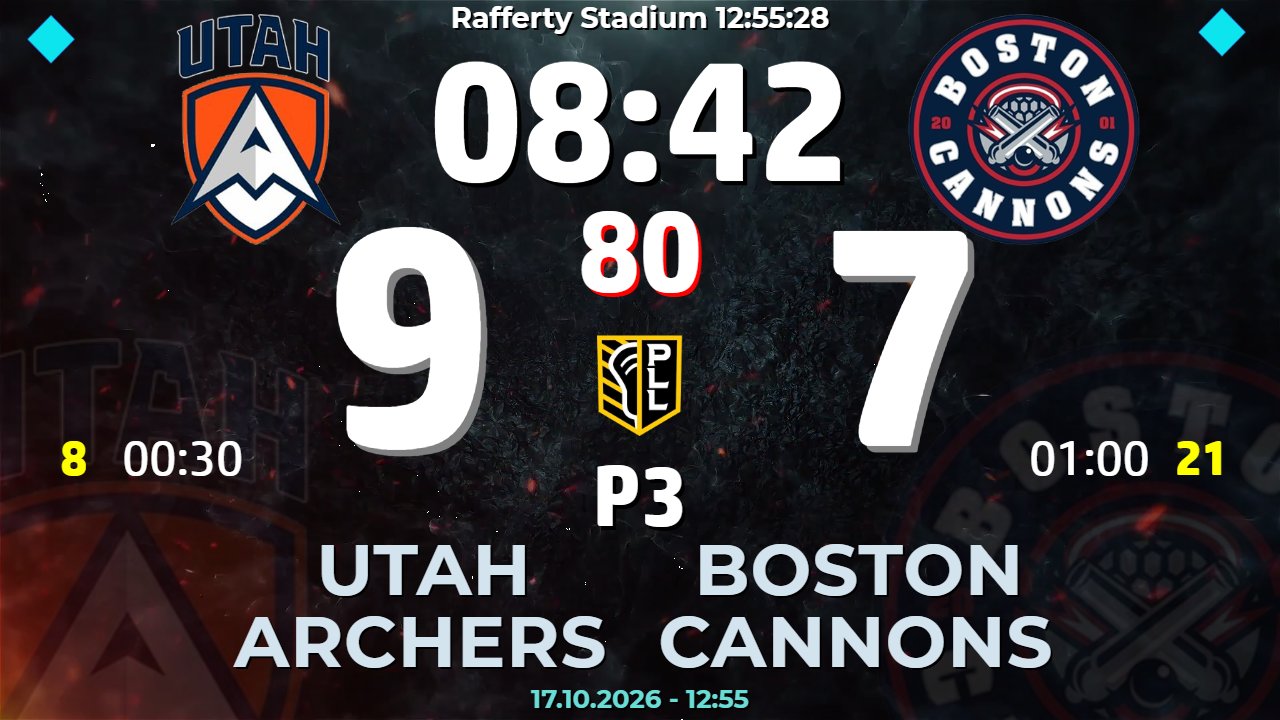
Set the board width and height in pixels to match the LED wall. The factory designs size text and logos to the board, so the same layout works on 16:9 screens, 1920 × 480 strips and 5:4 boards.
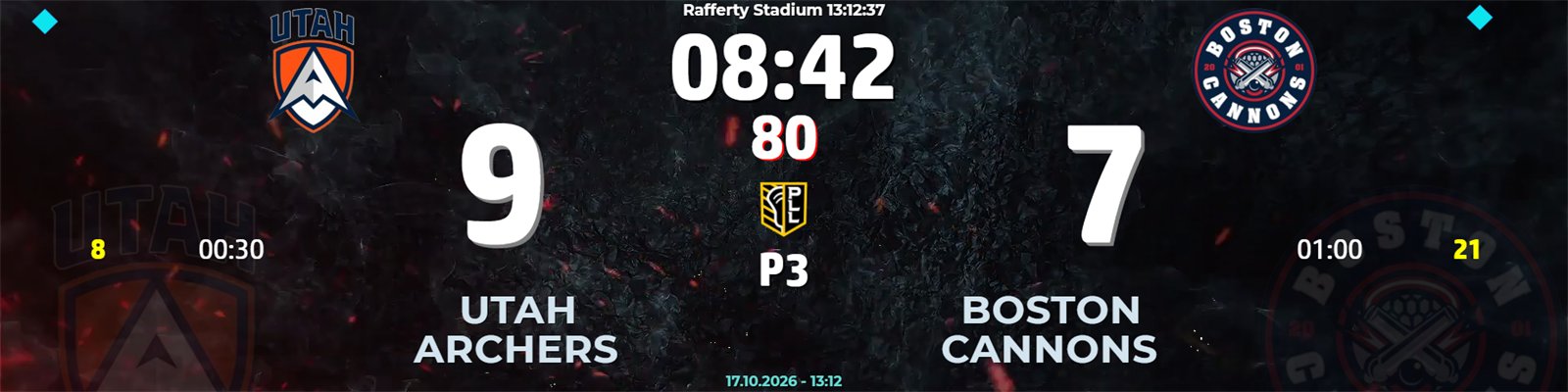
Board layouts, info screens and statistics of arenaBoard7.
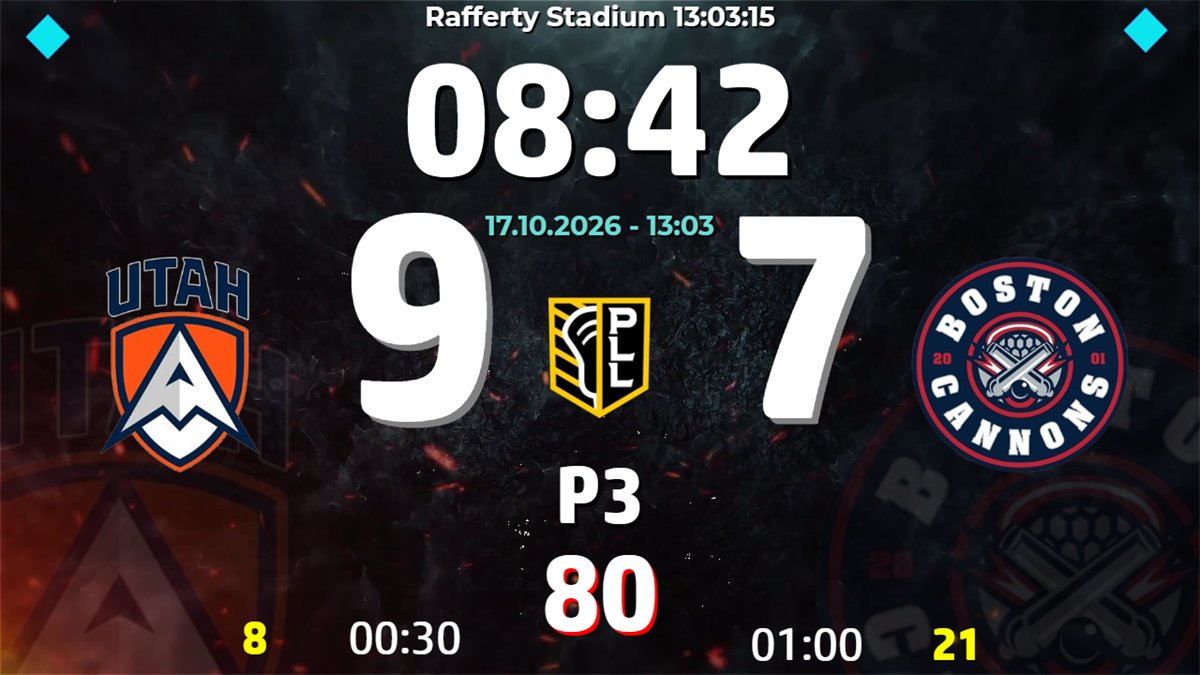
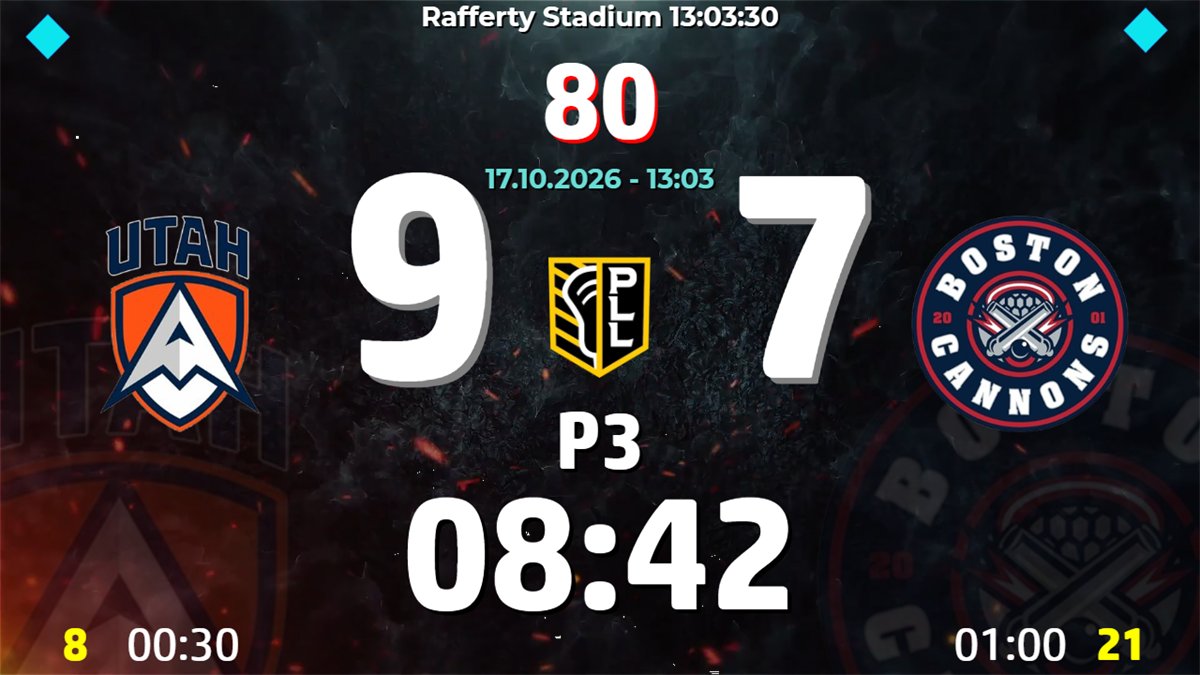
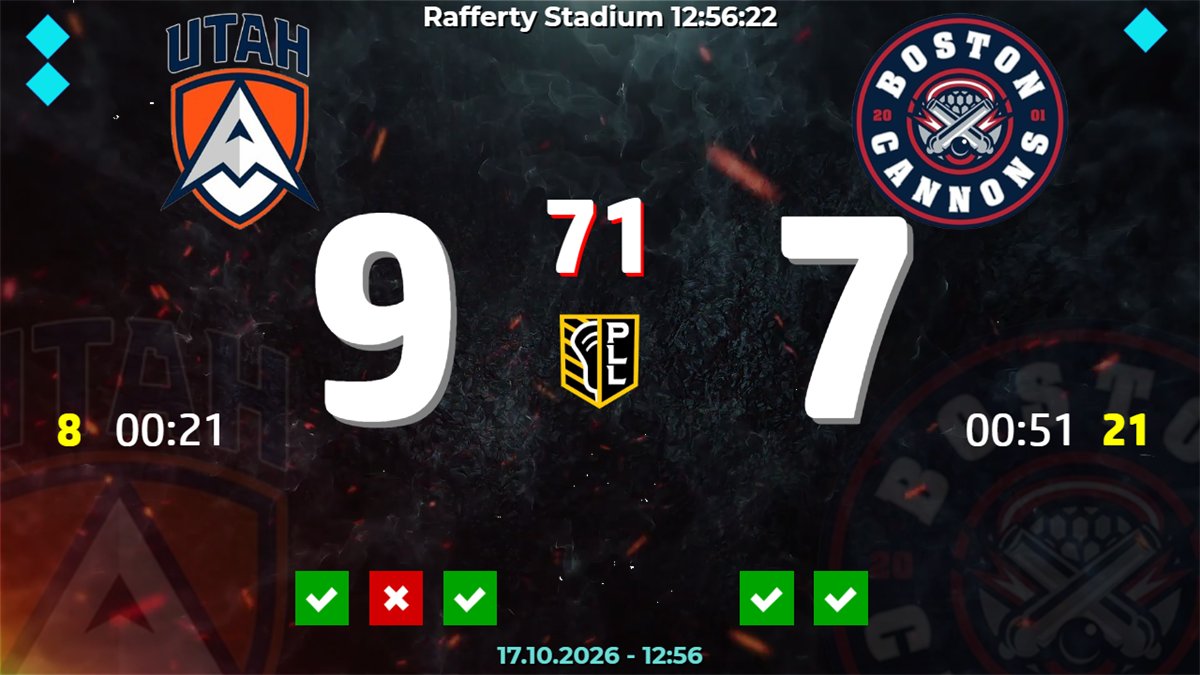
arenaBoard7 includes a free web-based remote control. Open it in any phone or tablet browser on the venue network, with nothing to install, and log on with the PIN you set in the software. Several devices can connect at once, so the match can be run by more than one official at the same time: one on score and clock, one on the shot clock, one on penalties and info graphics.
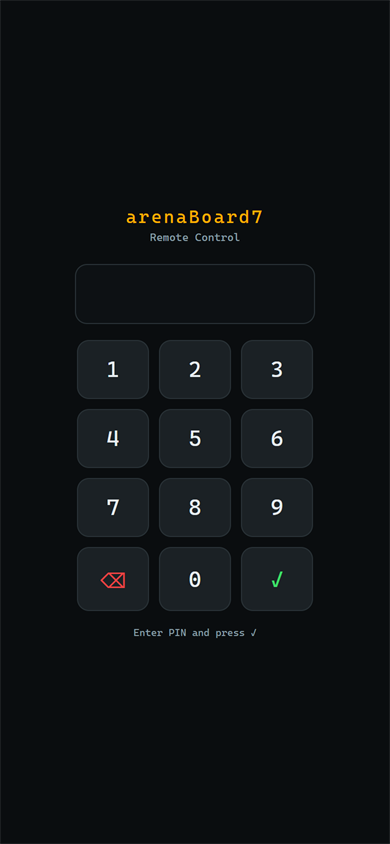
Set and change the PIN in Settings, Remote Control. No PIN, no access.
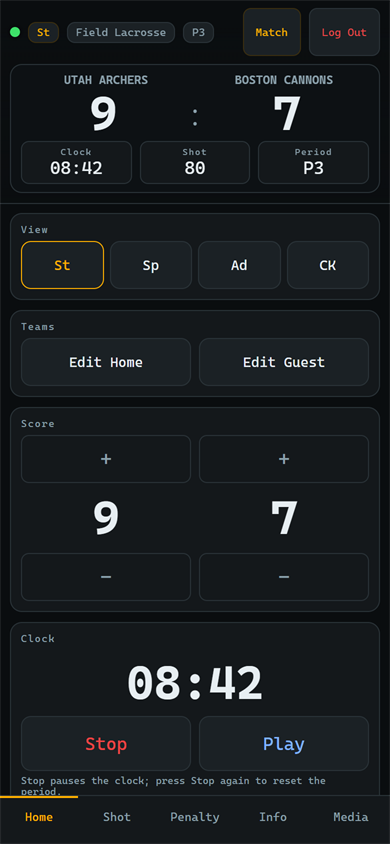
Display mode, team names, goals, Play and Stop, periods, shootout, timeouts and lower lines.
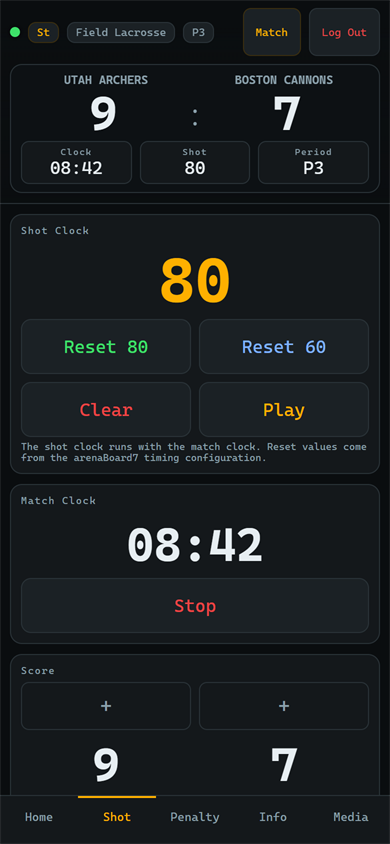
Large shot clock with Reset 80, Reset 60, Clear and Play, plus the match clock and score.
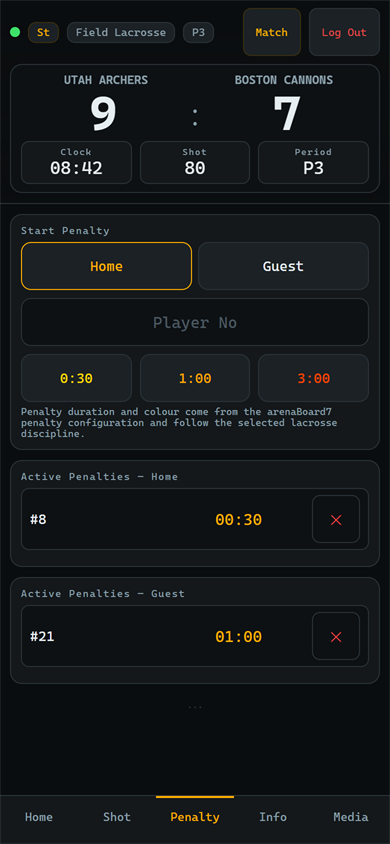
Pick the team, type the number and tap 0:30, 1:00 or 3:00. Active penalties show their time left.
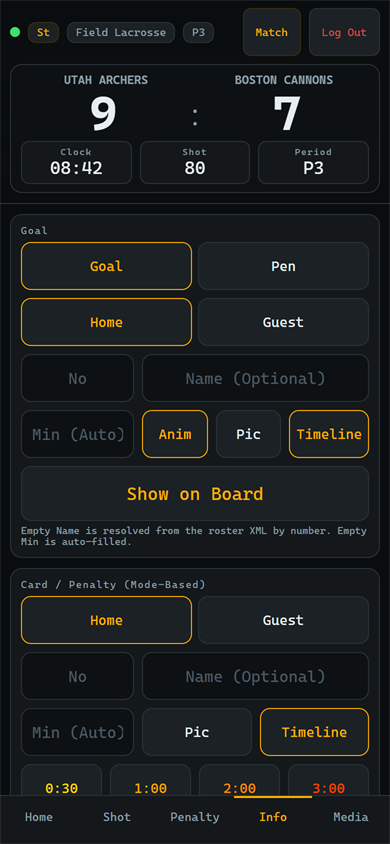
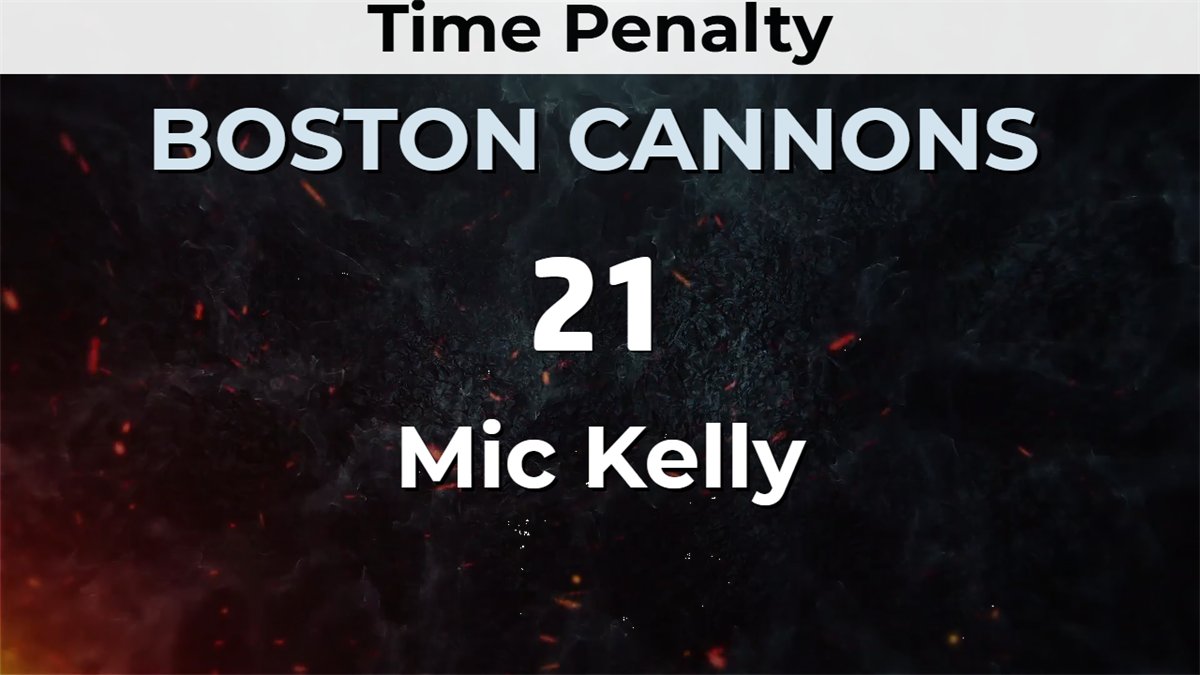
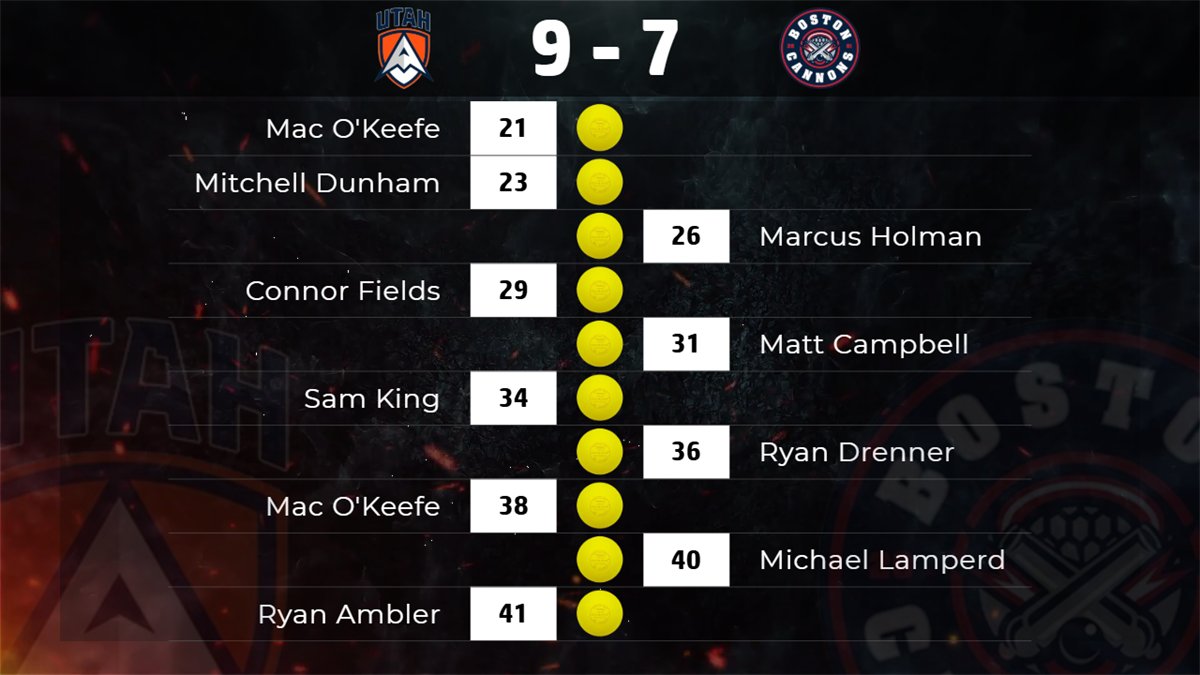
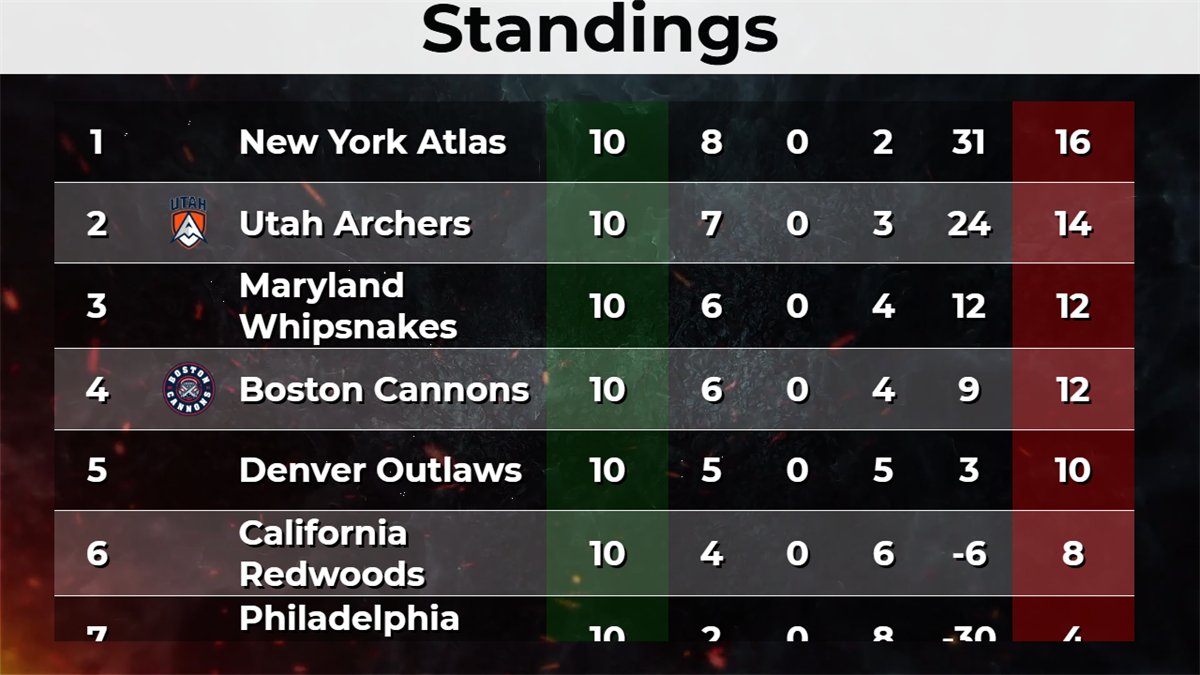
Goal, card or penalty and substitution screens, with player photo and timeline entry.
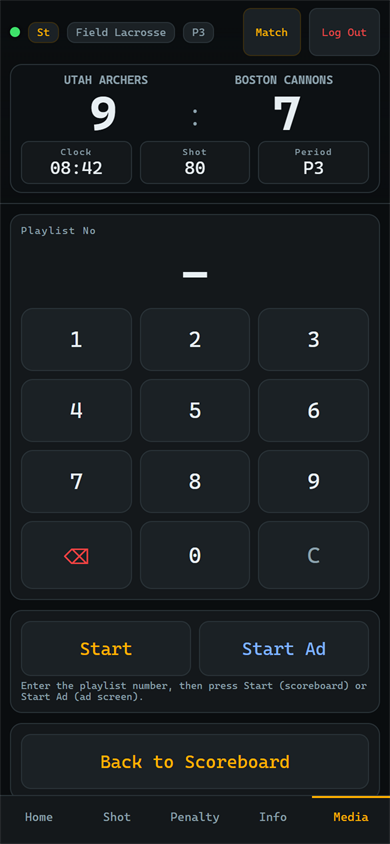
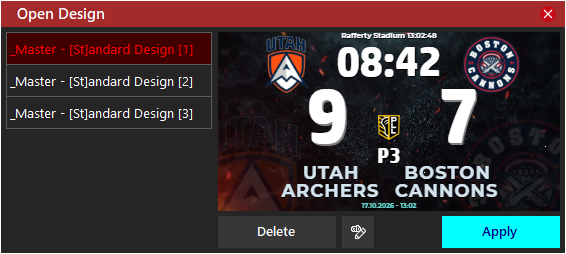
Type a playlist number and play it on the scoreboard or in the Advertisement mode.
Built for the table. The remote is a web page served by arenaBoard7 itself on port 1907. No app store, no account and no internet connection are needed; the phone only has to be on the same network as the PC.
The demo has every feature, including all disciplines and the remote. The board shows a small DEMO watermark until you add a licence.
arenaBoard7 is LED scoreboard software for lacrosse. It runs on Windows 10 and 11 and shows the score, match clock, shot clock, player penalties, timeouts, info screens and statistics on a second monitor, projector, LED wall or NDI stream. It is sold as a lifetime licence and includes a free mobile remote.
arenaBoard7 has factory presets for field lacrosse, women's lacrosse, Sixes lacrosse and intercrosse, all in the same licence. Periods, penalties, timeout and shot clock are editable, so other formats such as box lacrosse can be set up too.
Yes, with your own settings. There is no separate box lacrosse preset: start from the field values and enter the period lengths, period labels, penalty lengths and shot clock values of your league in Period and Penalty Settings. They are saved for the next matches.
It can be set up for ringette with the editable settings: period lengths and labels, penalty times, timeout and a shot clock with two reset values. There is no ringette factory preset, so check the values against your rules before the first game.
arenaBoard7 is the scoreBoard7 scoreboard for lacrosse and its variants: one board with a shot clock, player penalty timers and timeouts, for outdoor fields and indoor arenas alike.
With End Penalty on Goal switched on, a goal ends the first running releasable penalty of the other team. The penalty of the third button (3:00 in field and Sixes lacrosse, 5:00 in women's lacrosse) is non-releasable and is always served in full.
Yes. The Chroma Key mode draws a scorebug and lower thirds on a key colour for vMix, OBS or a vision mixer, and the NDI button sends the board over the local network as an NDI source.
Yes. arenaBoard7 includes a free web-based remote control. Open it in any phone or tablet browser on the venue network, with nothing to install. Access is protected by a PIN you set inside the software, and several devices can connect at once so different officials can each run one task.
arenaBoard7 costs $500 for output up to 1366 px wide and $1,000 up to 3840 px wide (4K). Every licence is a lifetime licence with two years of free updates, a PC key and a USB dongle included. Buying several boards for one venue reduces the price.
Yes. The demo includes every feature with only a small watermark on the output, so you can test arenaBoard7 on your own LED display before buying. Download it from the Downloads page.
One payment: $500 up to 1366 px wide, $1,000 up to 3840 px wide. Two years of free updates, PC licence key and USB dongle included, and a discount when you buy several boards for one venue.
arenaBoard7 covers lacrosse and ringette. For a multi-sport venue, fieldBoard7 runs field, women's and sixes lacrosse with football and rugby, indoorBoard7 runs intercrosse with the hall sports, and iceBoard7 runs ringette with ice hockey and curling. Each multisport product comes in Lite (from $500) and Pro (from $1,000); Pro also reads scoreboard consoles and timing systems. All multisport products.
Each scoreBoard7 scoreboard covers one sport family. Buying several boards for one venue reduces the price.
Run the perimeter LED panels of any sport from one panel.
Modern, web-based LED perimeter player and playlist manager for the advertising panels around football and every other sport. Uploaded media auto-fits the panel; goals, scores, time-outs, cards and other quick actions cut in with a single click and return. A browser is enough — easy to install, even easier to run.
Tell us the size of your LED wall and the leagues you run, and we will tell you which licence fits.